Address: 13F, Buiding B, Colorful Tech Park, Guanlan High tech park, Longhua Dist, Shenzhen,China ZIP code 518100
Technology
You are here:
Home > Technology > How to Reduce Radiation from LCD Screens: A Practical Guide for Monitors, TVs, and Phones
How to Reduce Radiation from LCD Screens: A Practical Guide for Monitors, TVs, and Phones
2025-11-25
Facelcd
Keywords: reduce screen radiation, LCD monitor radiation, blue light exposure, EMF from electronics, digital eye strain, protect eyes from screen
Understanding “Radiation” from LCD Screens
First, it’s crucial to understand what type of “radiation” LCD screens (like those on monitors, TVs, phones, and tablets) emit. The term is often misunderstood.
LCD screens primarily emit two types:
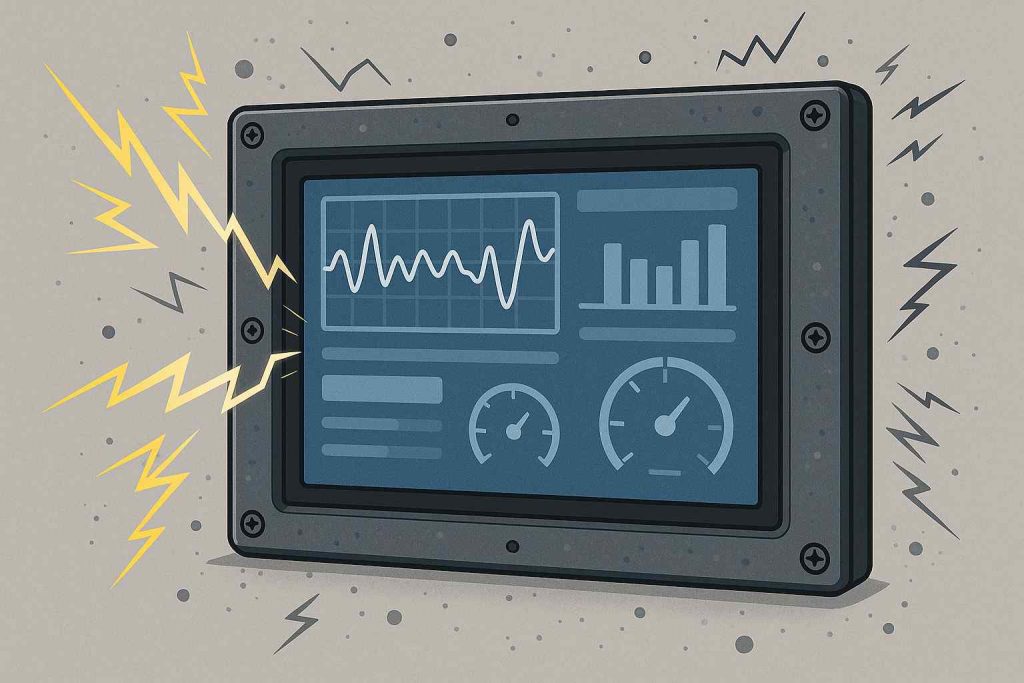
Non-Ionizing Radiation (Extremely Low Frequency – ELF Electromagnetic Fields)
Source: Generated by the device’s circuitry, backlight, and electronic components.
Safety: This is the main type of radiation from screens. Its energy is too low to damage human cell DNA. Major health organizations like the World Health Organization (WHO) state that no consistent evidence confirms adverse health effects from typical exposure levels.
Blue Light (High-Energy Visible Light)
Source: A high-energy part of the visible light spectrum emitted by LED backlights.
Impact: This is the primary health concern from modern screens.
Digital Eye Strain: Blue light scatters more easily, forcing your eyes to work harder. This leads to symptoms like dry eyes, blurred vision, and headaches.
Sleep Disruption: Evening exposure to blue light suppresses melatonin production, disrupting your circadian rhythm and sleep quality.
Conclusion: The real risk isn’t cancer-causing radiation (like X-rays), but the impact of blue light on your eyes and sleep, combined with musculoskeletal fatigue from prolonged use.
Effective Ways to Minimize Screen Radiation and Its Effects
Here are proven strategies to reduce EMF & blue light exposure and alleviate physical strain.
1. Hardware and Software Settings (Most Effective)
Enable Night Light / Blue Light Filter / Night Shift Mode:
All modern operating systems (Windows, macOS, iOS, Android) have this built-in. It warms the screen’s color temperature, reducing blue light emission. SEO Keyword: reduce blue light from screen.
Adjust Screen Brightness:
Set brightness to match your ambient lighting. It should not be more than three times brighter than the surrounding light. Use “Auto-Brightness” if available.
Increase Refresh Rate (For Supported Monitors):
A higher refresh rate (e.g., 120Hz, 144Hz) makes motion smoother, which can significantly reduce eye strain during scrolling or gaming.
Keep Your Screen Clean:
Dust and smudges can scatter light, increasing strain. Clean your screen regularly with a microfiber cloth.
2. Healthy Usage Habits and Ergonomics
Follow the 20-20-20 Rule:
This is the gold standard for preventing digital eye strain. Every 20 minutes, look at something 20 feet away for at least 20 seconds.
Maintain a Safe Viewing Distance:
Computer Monitor: About an arm’s length away (50-70 cm).
Television: 1.5 to 3 times the screen’s diagonal length.
Phone/Tablet: At least 30-40 cm away.
Practice Good Posture:
Position the top of the screen at or slightly below eye level. Sit straight with relaxed shoulders.
Blink More and Manage Humidity:
We blink less when staring at screens, causing dryness. Be conscious of blinking. Use a humidifier in dry environments.
3. Protective Accessories (Optional)
Blue Light Blocking Glasses:
If you experience severe eye discomfort, these glasses can filter additional blue light. Choose reputable brands. SEO Keyword: blue light blocking glasses.
Anti-Glare Screen Protector:
Reduces reflections from ambient light, which is especially helpful in bright offices or near windows.
Use a Stand or Mount:
Ergonomically position your laptop, monitor, or phone to avoid neck and shoulder strain.
4. Optimize Your Environment
Ensure Proper Ambient Lighting:
Avoid using a bright screen in a dark room. Ensure your room has soft, uniform lighting to reduce contrast.
Avoid Glare and Reflections:
Position your screen so that windows and lights do not cause a direct glare.
Summary: Protecting Yourself from Screen Radiation
Category
Action
Primary Benefit
Device Settings
Night Light, Adjust Brightness, Higher Refresh Rate
Reduces blue light at the source
Usage Habits
20-20-20 Rule, Safe Distance, Good Posture
Prevents eye and muscle strain
Accessories
Blue Light Glasses, Anti-Glare Protector, Stand
Adds a layer of protection and comfort
Environment
Proper Room Lighting, Avoid Glare
Creates an eye-friendly workspace
In summary, there’s no need to fear “radiation” from LCD screens in the traditional sense. Instead, focus on managing blue light exposure and improving your ergonomic habits to safeguard your long-term eye health and well-being.