

Contact us
FaceLCD Hong Kong Limited
Tel: +8615818692944
E-mail: sales@facelcd.com
Address: 13F, Buiding B, Colorful Tech Park, Guanlan High tech park, Longhua Dist, Shenzhen,China ZIP code 518100
LCD Driver Board
You are here: Home >
-
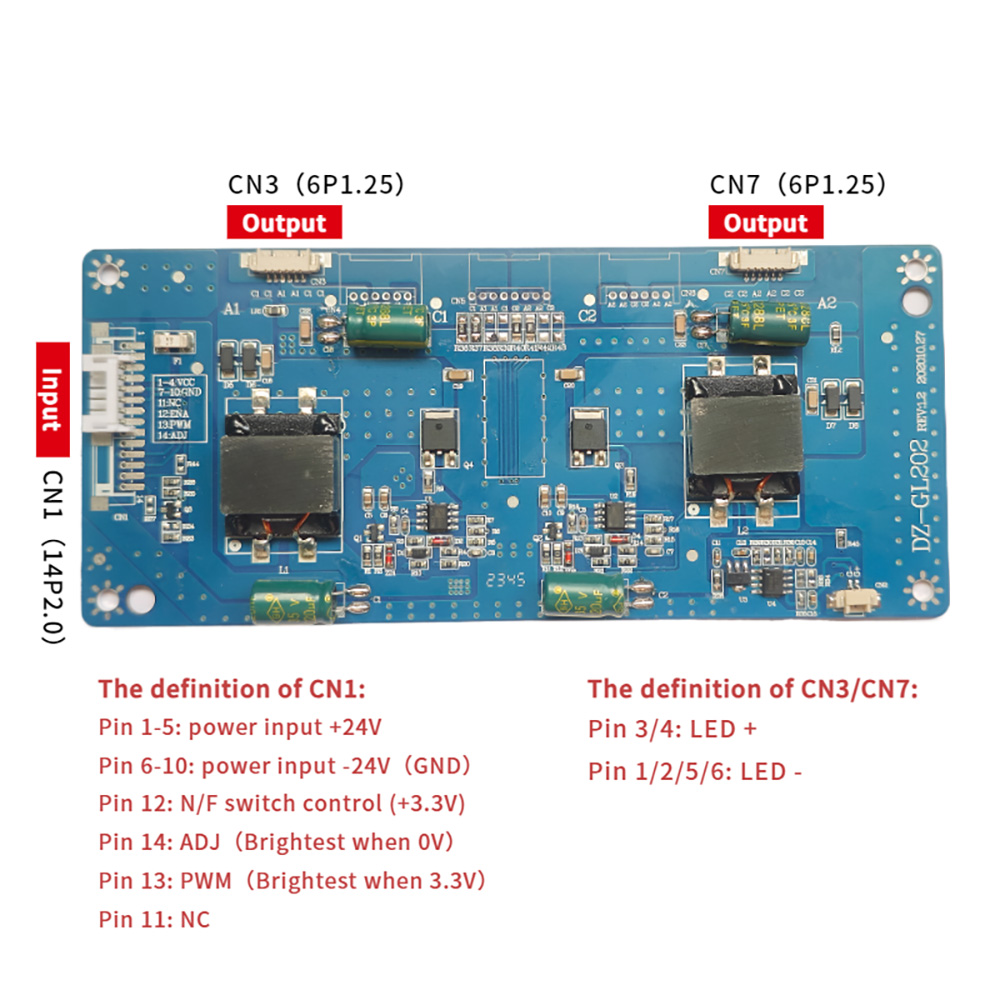
LED Driver board DZ-GL202 for DV290FBM
-
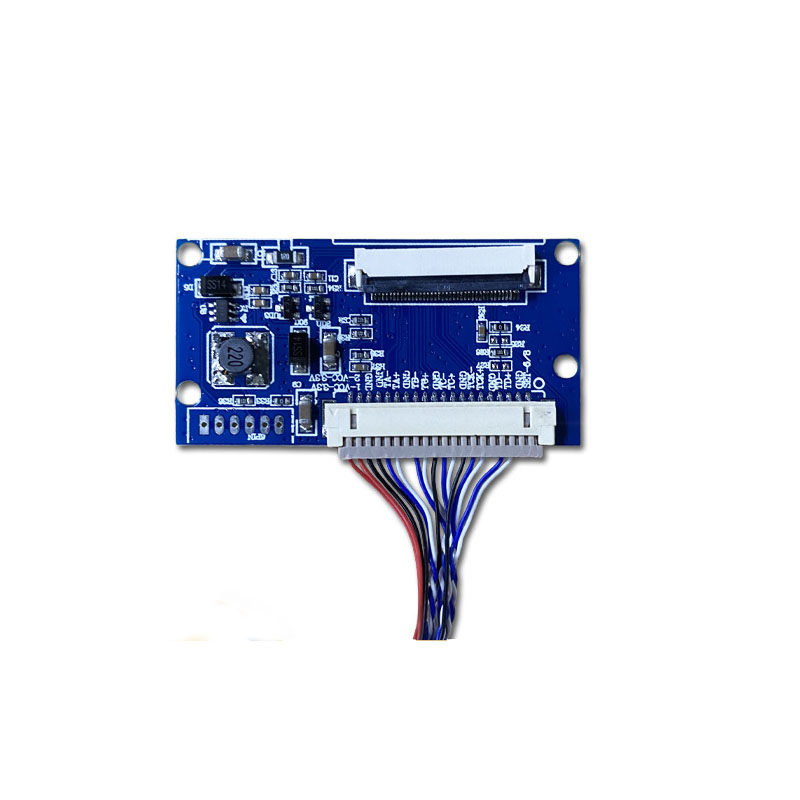
LCD Display Converter Board for LVDS 40pin interface
-
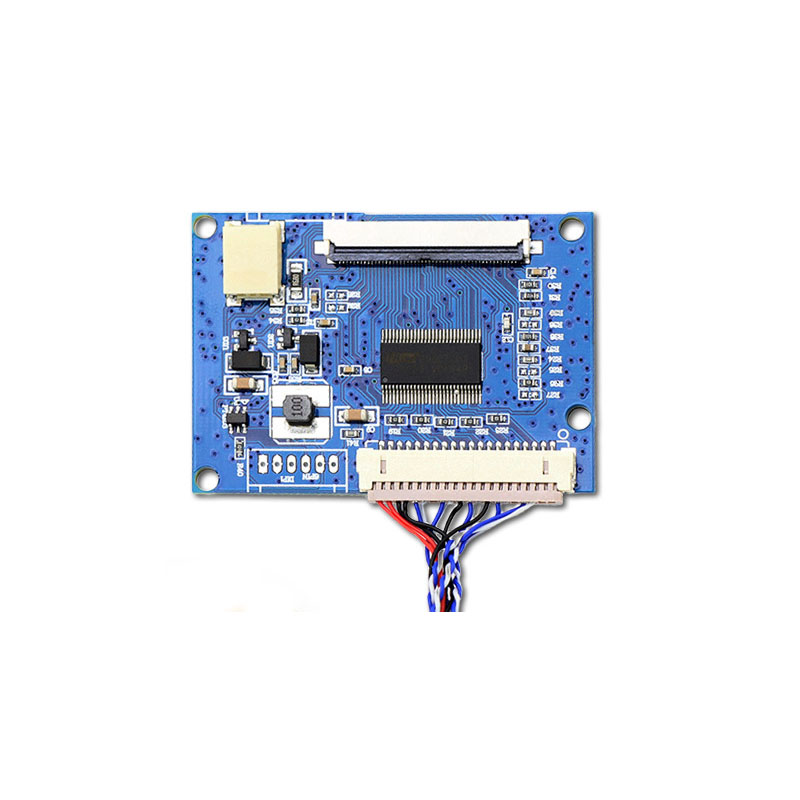
LCD Display Converter Board for TTL/RGB 50pin to LVDS
-

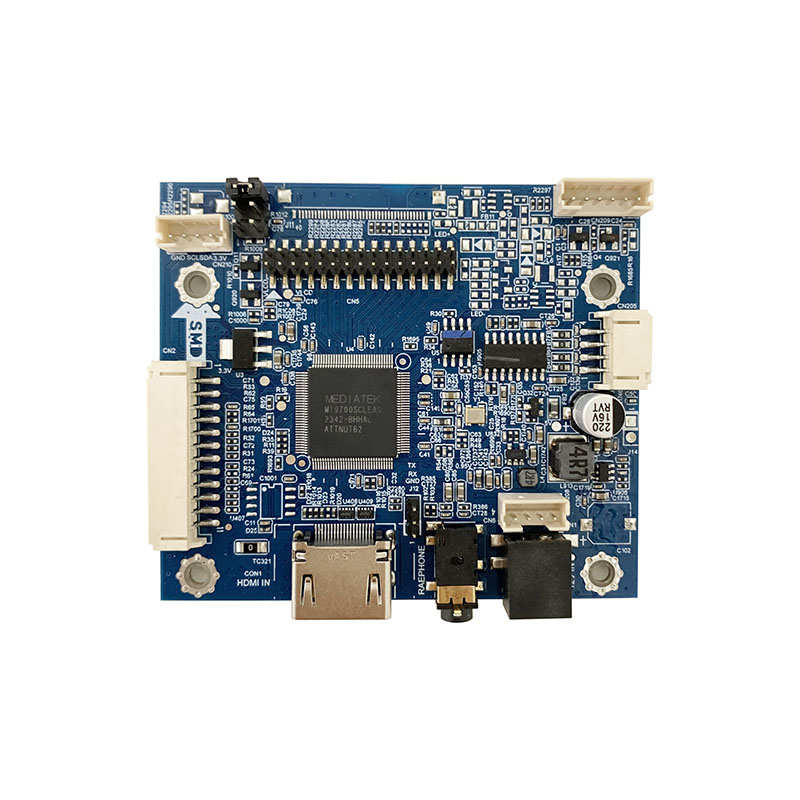
HDMI Driver Small board for 4.3inch/5inch RGB/TTL 40pin interface
-
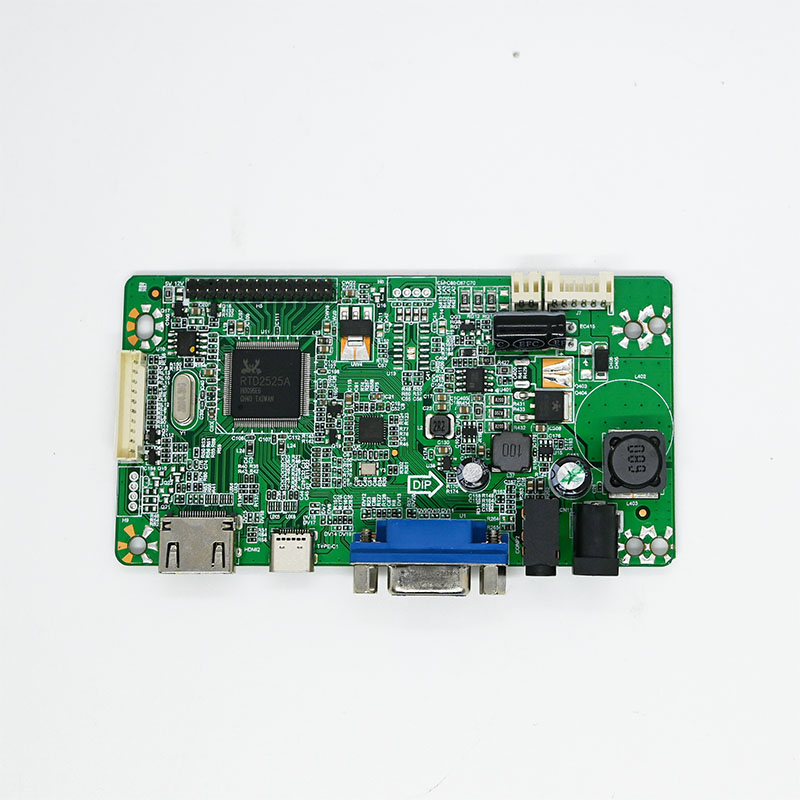
LCD driver board HDMI+Type-C+VGA 1920x1080
-
Industrial Wide Temp/High Voltage LCD driver board to HDMI 1920x1080
-
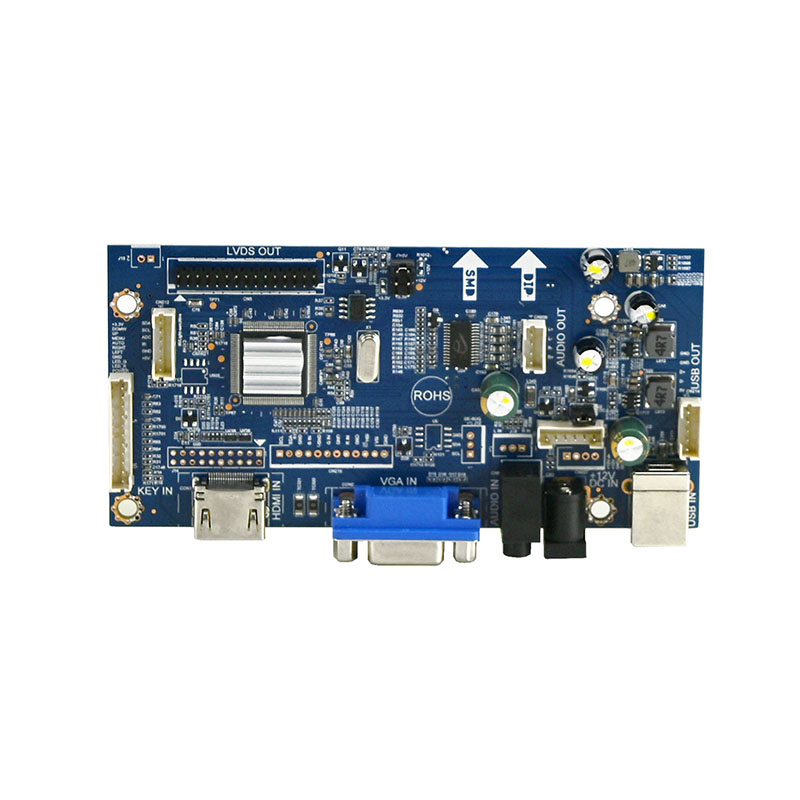
Industrial Monitor Driver Board HDMI+VGA+USB-Touch 1920x1200
-
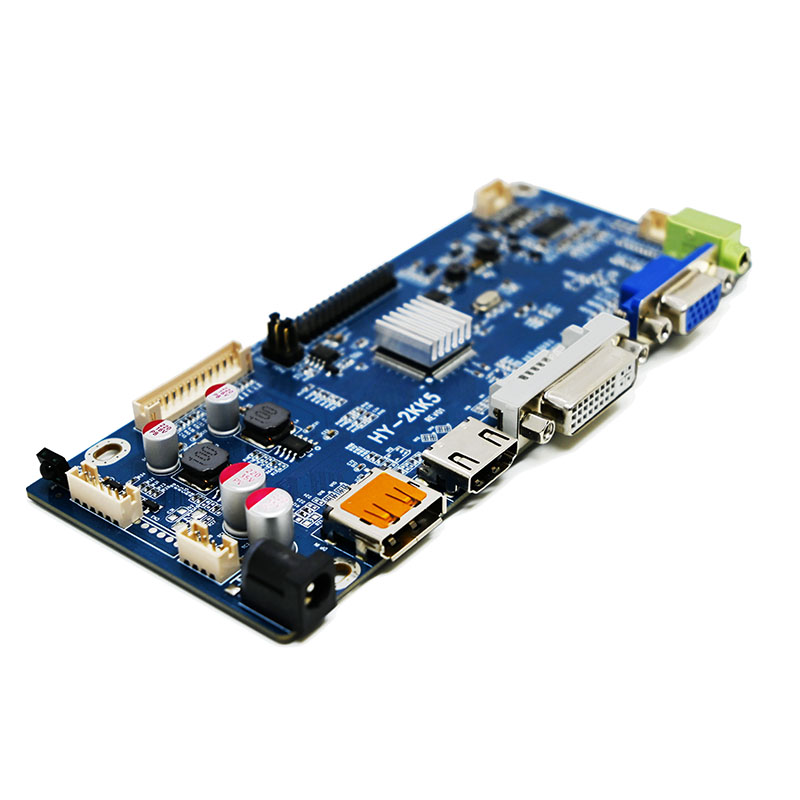
Industrial Monitor Driver board DP+HDMI+VGA+DVI 1920x1200
-
Portable HDMI Driver board for 30pin/40pin EDP interface
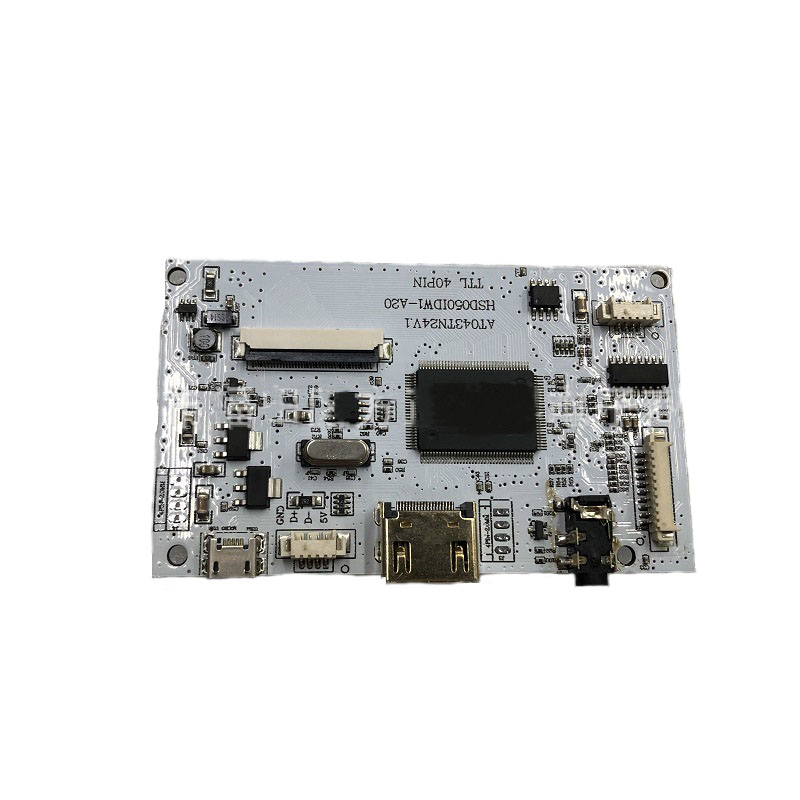
LCD Driver Board
LCD Control Boards For Display Repair And Panel Projects
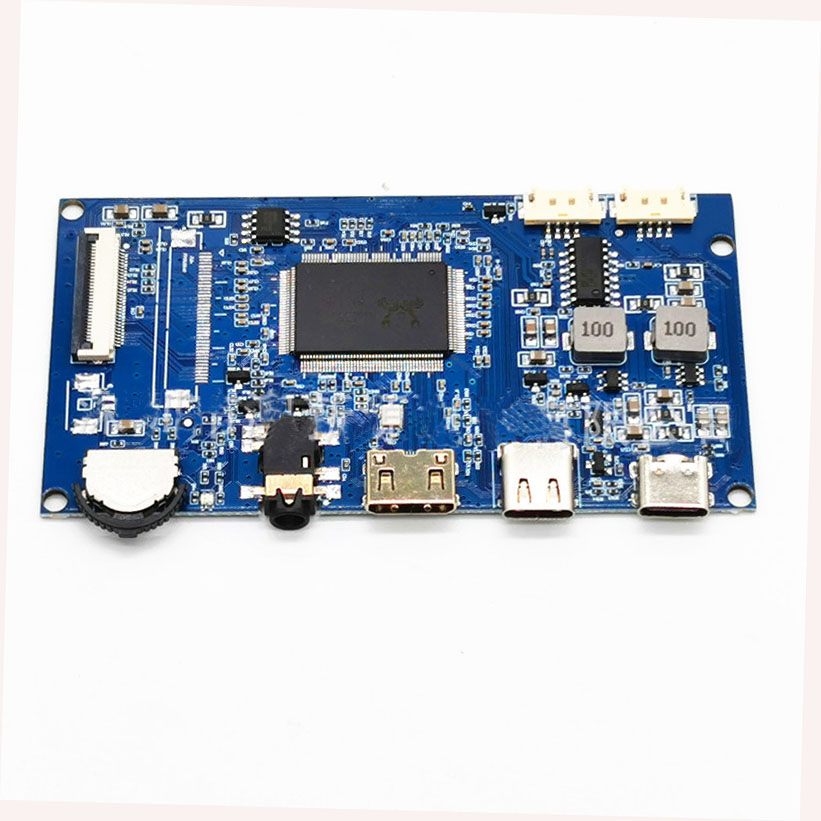
An LCD driver board helps an LCD panel receive the right signal, power, and control commands. It can turn a bare panel into a working display for repair work, test benches, digital signage, monitor upgrades, and custom screen projects. FaceLCD can match driver boards with panel models, resolution, interface type, backlight needs, keypad control, cable layout, and power board requirements.
Think of it as the "brains" of a monitor. Without it, a bare LCD screen is just a blank piece of glass. Here’s what it does:
| Function | Description |
|---|---|
| Converts Signals | Translates input from HDMI, VGA, or DisplayPort into a format the LCD panel can understand . |
| Manages Resolution | Scales images to match the screen's native resolution, ensuring a sharp picture . |
| Provides Power | Powers the screen and its backlight, often converting voltages as needed . |
| Controls Settings | Powers the On-Screen Display (OSD) for adjusting brightness, contrast, etc. . |
How It's Used
The most popular use is reusing a laptop screen. If your laptop breaks, you can buy a universal LCD driver board kit. You connect the screen's model number to the board, and it turns your old laptop panel into a standalone desktop monitor .
Key Tech Specs
When picking a board, look for these:
-
Input: What you plug into it (HDMI, VGA, DP) .
-
Output: How the board talks to the screen (LVDS for older laptops, eDP for newer ones) .
-
Resolution: The max resolution it supports (e.g., 1080p, 4K) .
How The Board Connects The Panel And Signal Source
A display panel cannot work alone. It needs a board that can read the input signal and send the correct panel timing. For example, a screen may need HDMI or VGA input on one side and LVDS or eDP output on the other side. The board also needs to control the backlight and support the OSD menu.
Common points to check include:
- Panel model number and panel datasheet
- Resolution, refresh rate, and signal type
- Input ports such as HDMI, VGA, AV, or USB
- Output signals such as LVDS, eDP, or TTL
- Backlight voltage, current, and cable type
- Keypad board, OSD menu, power board, and remote control needs
| Check Point | Why It Matters | What FaceLCD Can Review |
|---|---|---|
| Panel model | Confirms board match | Datasheet, resolution, and interface |
| Input signal | Affects source device use | HDMI, VGA, AV, or other ports |
| Panel signal | Controls display output | LVDS, eDP, TTL, or related signal |
| Backlight | Affects screen lighting | Voltage, current, and cable type |
| Accessories | Affects user control | Keypad, remote, cable, and power board |
Use Cases For LCD Panel Control
Many projects start with a good LCD panel but no matching board. In that case, the driver board becomes the main part that brings the screen back to use. Repair teams can use it to check panel condition. Product teams can use it during sample work. Signage projects can use it to connect screens with media players or control boards.
A wrong board may cause no image, wrong color, flicker, or backlight failure. For this reason, FaceLCD checks panel data before suggesting a board. The team can also help review cable direction and keypad needs, since these small parts can affect the final build.
Why Choose FaceLCD LCD Driver Boards?
FaceLCD supports board matching for LCD panels that need repair, testing, or project setup. The team can help check the panel model, signal input, board output, backlight power, and accessory needs before sampling.
- Board matching for different LCD panel models
- HDMI, VGA, AV, LVDS, eDP, and related interface support
- Cable, keypad, remote, and power board matching
- Backlight and OSD menu support
- Display output checks before shipment
FAQ
How Do I Know Which Board Fits My LCD Panel?
Please provide the panel model number or datasheet. FaceLCD can check the resolution, interface, backlight data, and cable type before matching the board.
Can The Board Help Repair An Old Monitor?
Yes. An LCD driver board can help reuse a working panel from an old monitor when the board and panel signals match.