
Contact us
FaceLCD Hong Kong Limited
Tel: +8615818692944
E-mail: sales@facelcd.com
Address: 13F, Buiding B, Colorful Tech Park, Guanlan High tech park, Longhua Dist, Shenzhen,China ZIP code 518100
Touch Panel
You are here: Home >
-
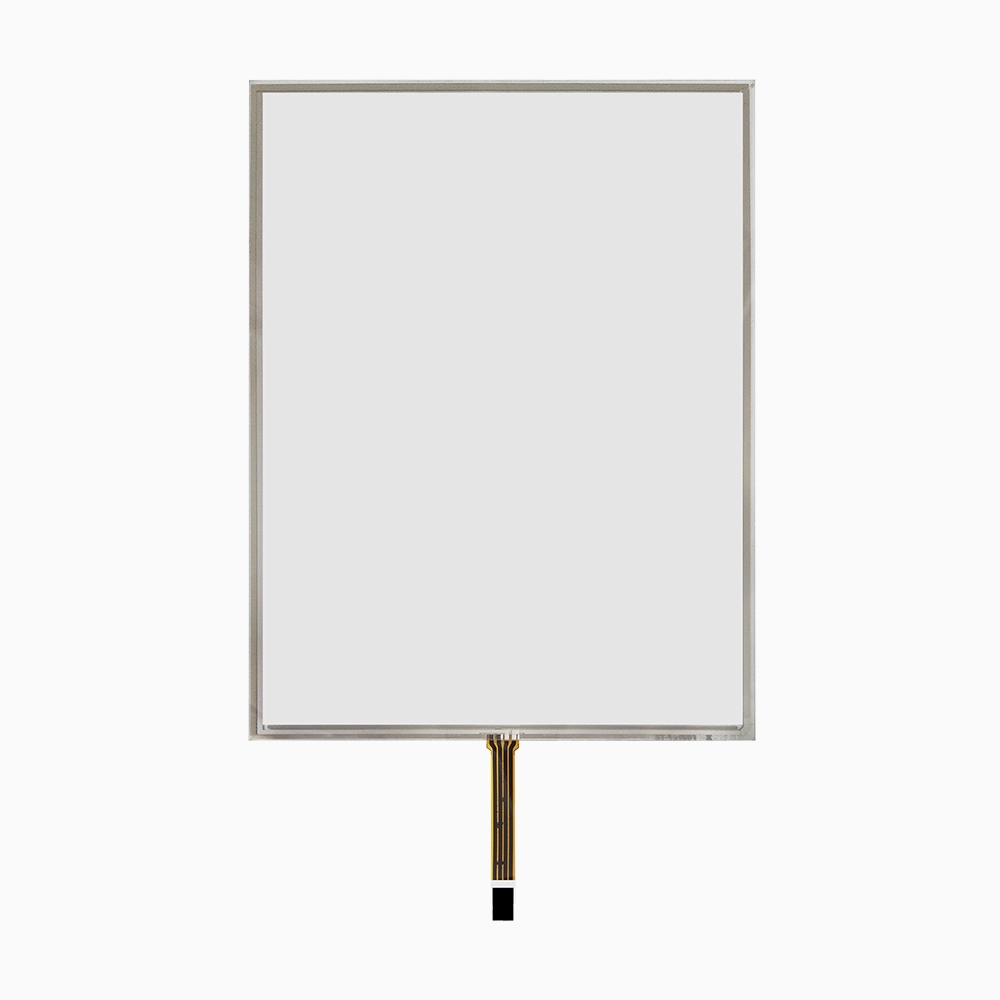
15 inch 4-wire Resistive Touch Screen for INNOLUX G150XNE-L03
-

12.1 inch 4 Wire Resistive Touch Screen for BOE EV121X0M-N10
-

10.4 inch Resistive Touch Screen Panel for G104XVN01.0 LCD
-
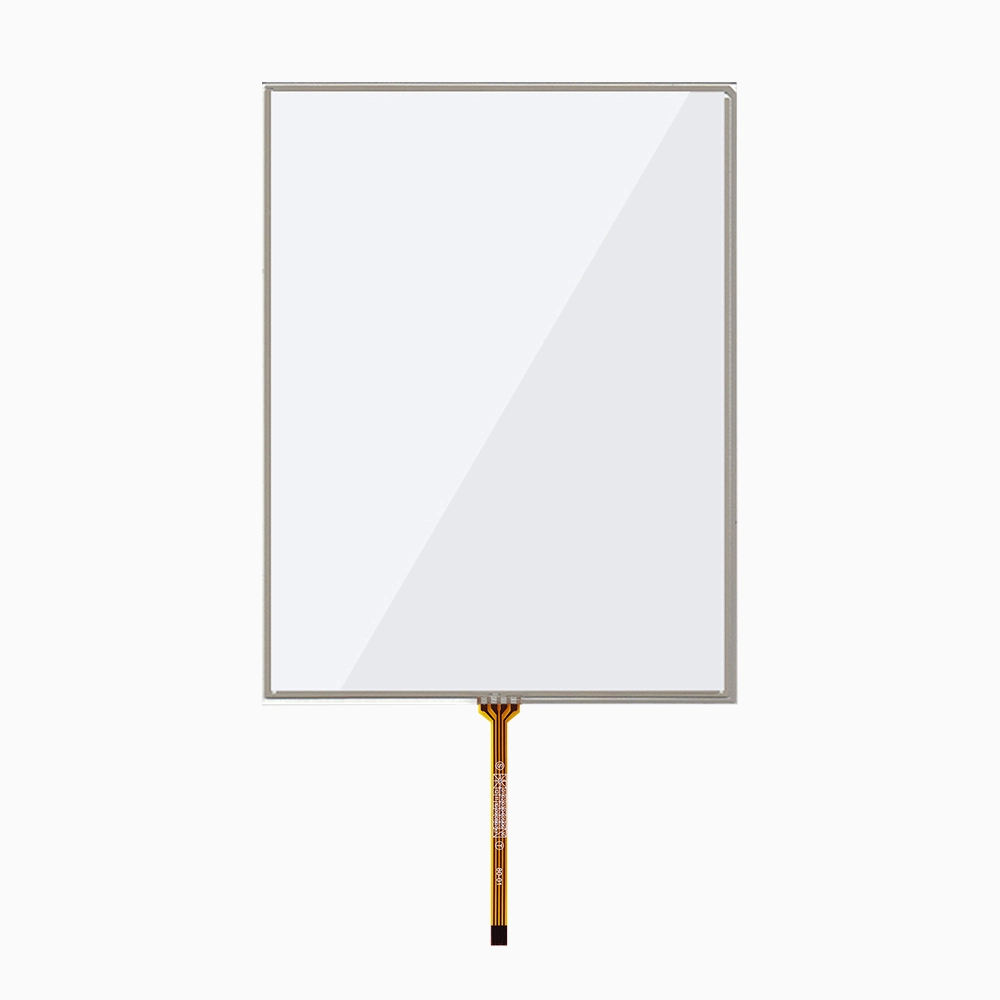
10.4 inch 4-wire Resistive Touch Screen Isolate UV Ray
-
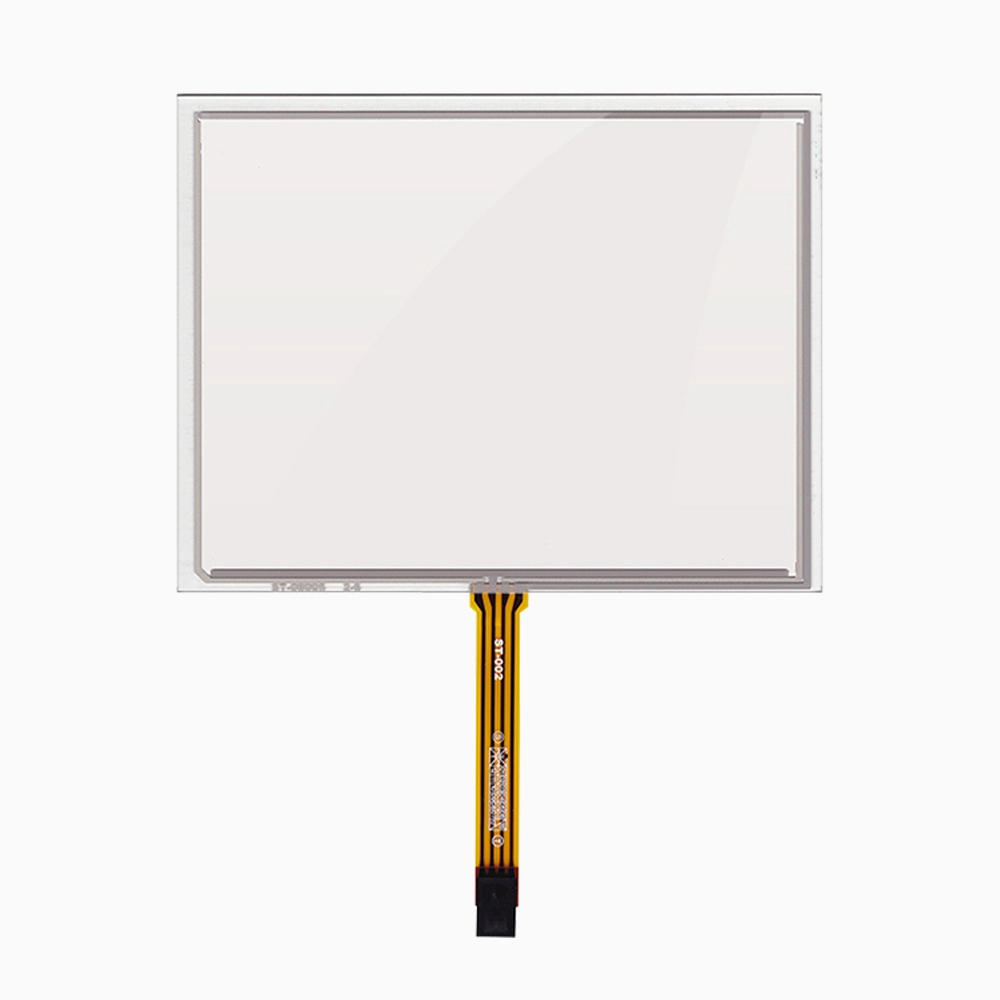
8 inch 4-wire Resistive Touch Scraeen for AT080TN52 V.1
-
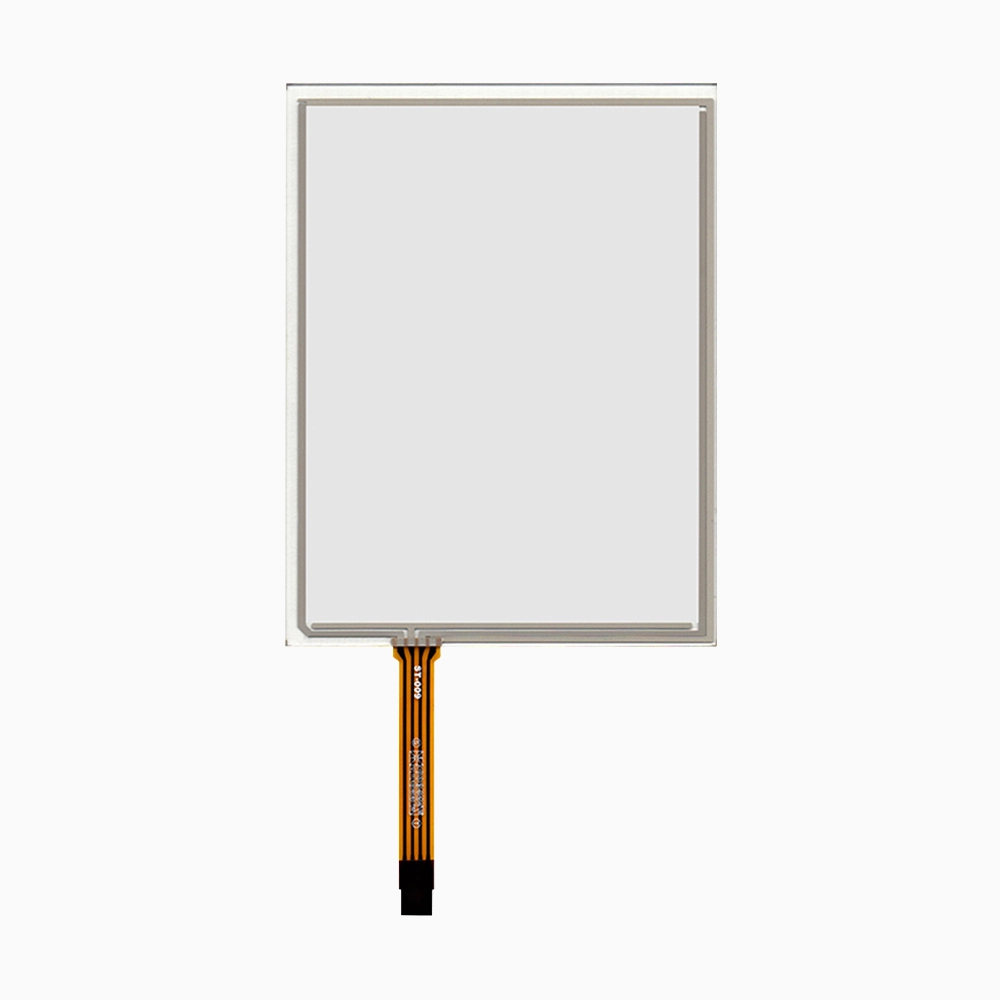
8 inch 4-wire Resistive Touch Screen
-
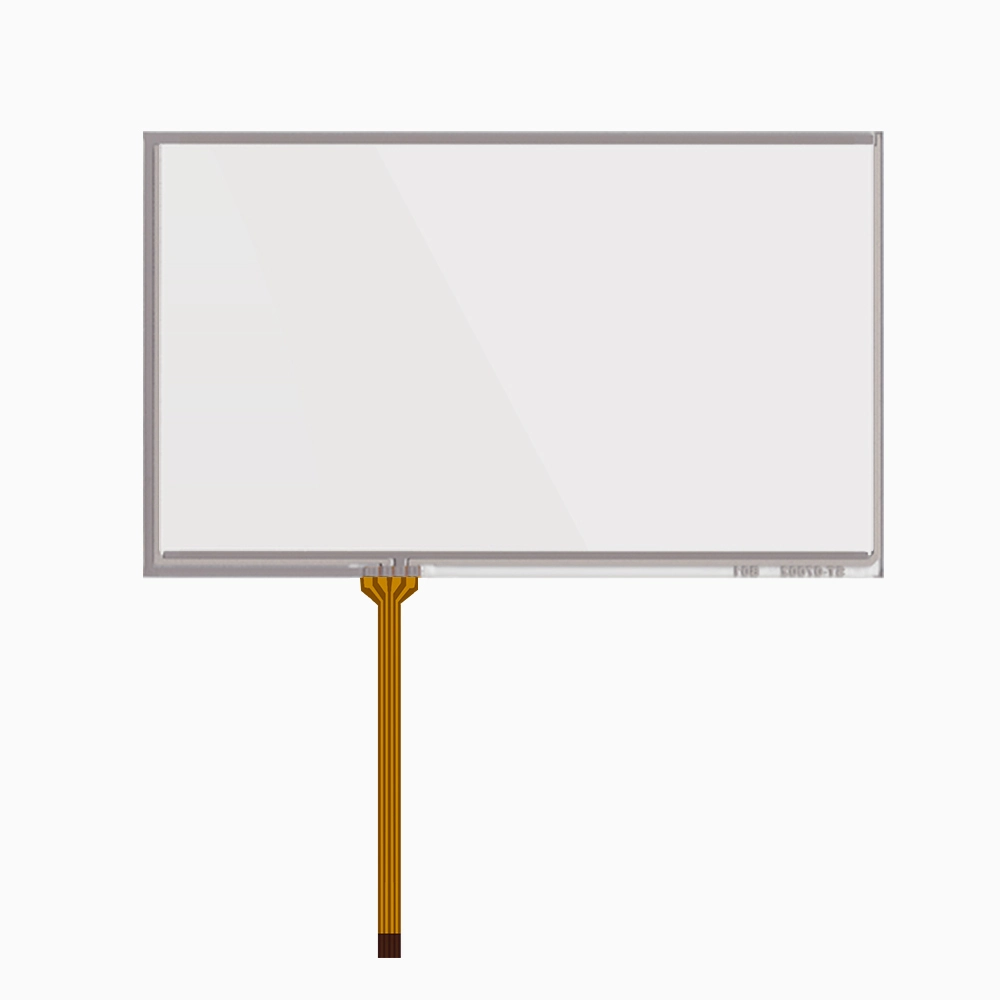
7 inch 4-wire Resistive Touch Screen for AT070TN94
-
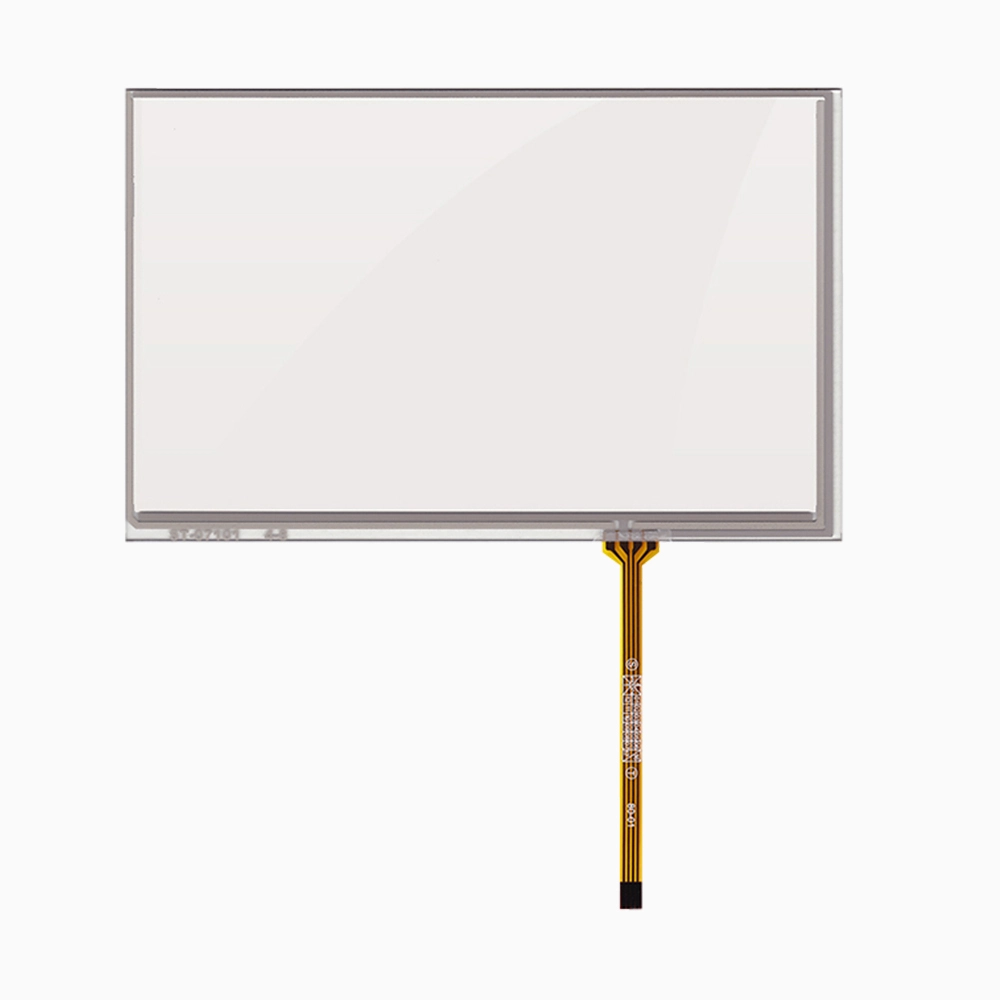
7 inch 4-wire Resistive Touch Screen for AT070TN83 V.1 LCD
-
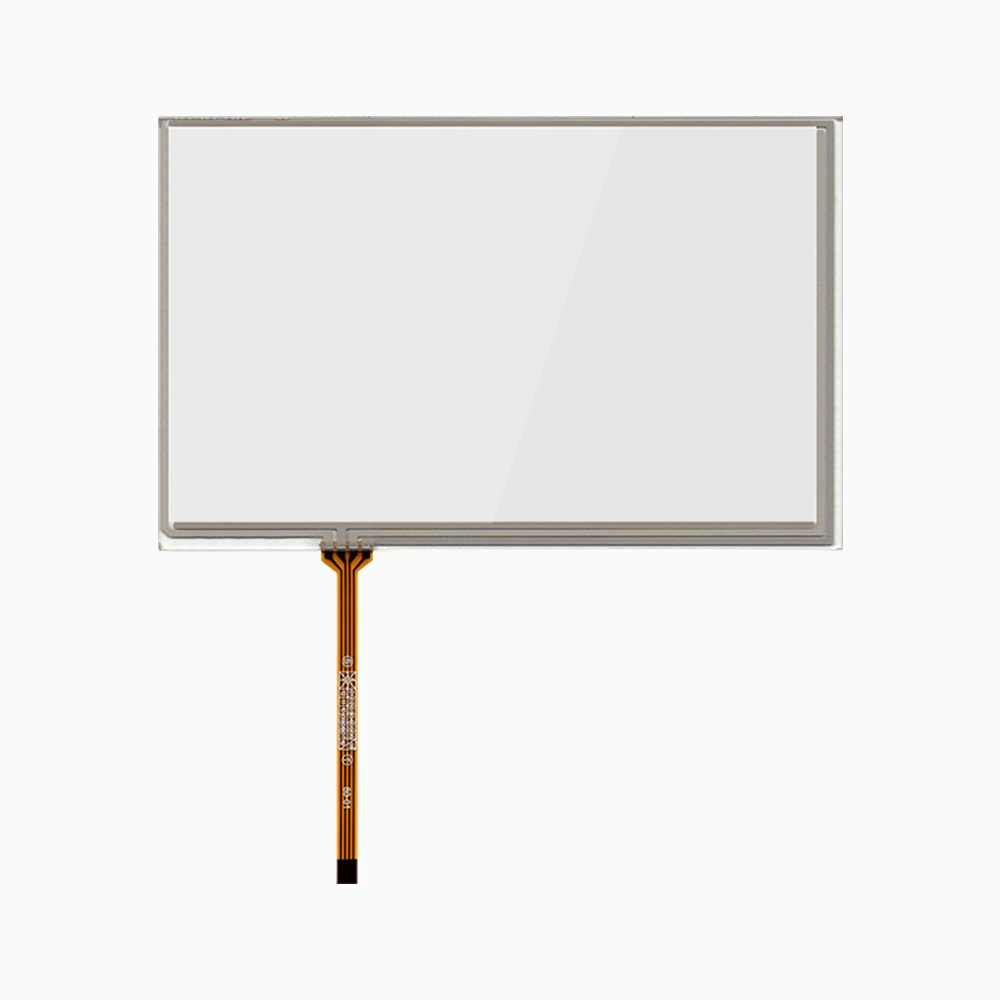
7 inch 4 wire Resistive Touch Screen Panel Blocks UV Rays
Touch Panel
Custom Touch Interfaces For LCD Modules And Control Screens
A touch panel adds direct input to an LCD screen, turning a display into a control surface for menus, settings, data entry, and user commands. It can work with LCD modules, HMI panels, kiosks, medical screens, smart home controls, industrial terminals, and handheld devices. FaceLCD supports capacitive and resistive touch options with custom size, cover glass, FPC, bonding, and interface matching for different display projects.How To Choose The Right Touch Structure
The right touch structure depends on the way the product works. Capacitive touch suits glass-front screens that need smooth finger input, multi-touch control, and a clean front look. Resistive touch works better when the device needs glove input, stylus use, or pressure-based operation. Common selection points include:- Touch type: capacitive touch or resistive touch
- Cover glass size, thickness, border printing, and surface treatment
- Interface options such as I2C, USB, SPI, or custom FPC
- Bonding choice based on display clarity and structure needs
- Touch area, active area, and LCD module fit
- Operating needs such as glove touch, water touch, or stylus input
| Selection Point | Common Option | How It Helps The Project |
|---|---|---|
| Touch type | CTP or RTP | Matches finger, glove, stylus, or pressure input |
| Interface | I2C, USB, SPI | Matches the mainboard and control system |
| Cover glass | Clear or printed glass | Supports the product front design |
| Bonding | Air or optical bonding | Affects clarity, front structure, and screen feel |
| Custom parts | FPC, connector, lens | Helps match housing and LCD layout |
Matching Touch With Display And Housing
Touch design needs close checking with the LCD module and front shell. The touch active area should match the display area, while the cover glass should fit the outer housing. At the same time, the FPC route, connector side, and cable length need enough space inside the product. Because these details affect assembly, FaceLCD can review drawings before sample work. The team can check the LCD size, touch size, glass outline, FPC direction, interface type, and bonding plan. This helps reduce later changes to the front cover or PCB.Practical Use Across Display Products
A kiosk may need a glass-front screen with fast finger input. An HMI panel may need glove operation in a workshop. A medical device may need a clean front surface and stable response. For handheld tools, the touch layer should fit a small shell without blocking buttons, ports, or seals. For this reason, touch selection should start from the product use, not only the screen size. A well-matched touch panel can improve control flow, front appearance, and product handling without adding unnecessary parts.Why Choose FaceLCD Touch Panel Support?
FaceLCD supports touch projects from type selection to glass and interface matching. The team can help review cover glass drawings, touch structure, FPC route, LCD fit, and sample test points before order planning.- Capacitive and resistive touch options for different devices
- Custom cover glass, FPC, connector, and bonding support
- I2C, USB, SPI, and project-based interface matching
- Touch and LCD module fit review before sampling
- Touch response, appearance, and cable checks before shipment