
Contact us
FaceLCD Hong Kong Limited
Tel: +8615818692944
E-mail: sales@facelcd.com
Address: 13F, Buiding B, Colorful Tech Park, Guanlan High tech park, Longhua Dist, Shenzhen,China ZIP code 518100
10.2"~15.6"
You are here: Home > TFT-LCD Display >
-

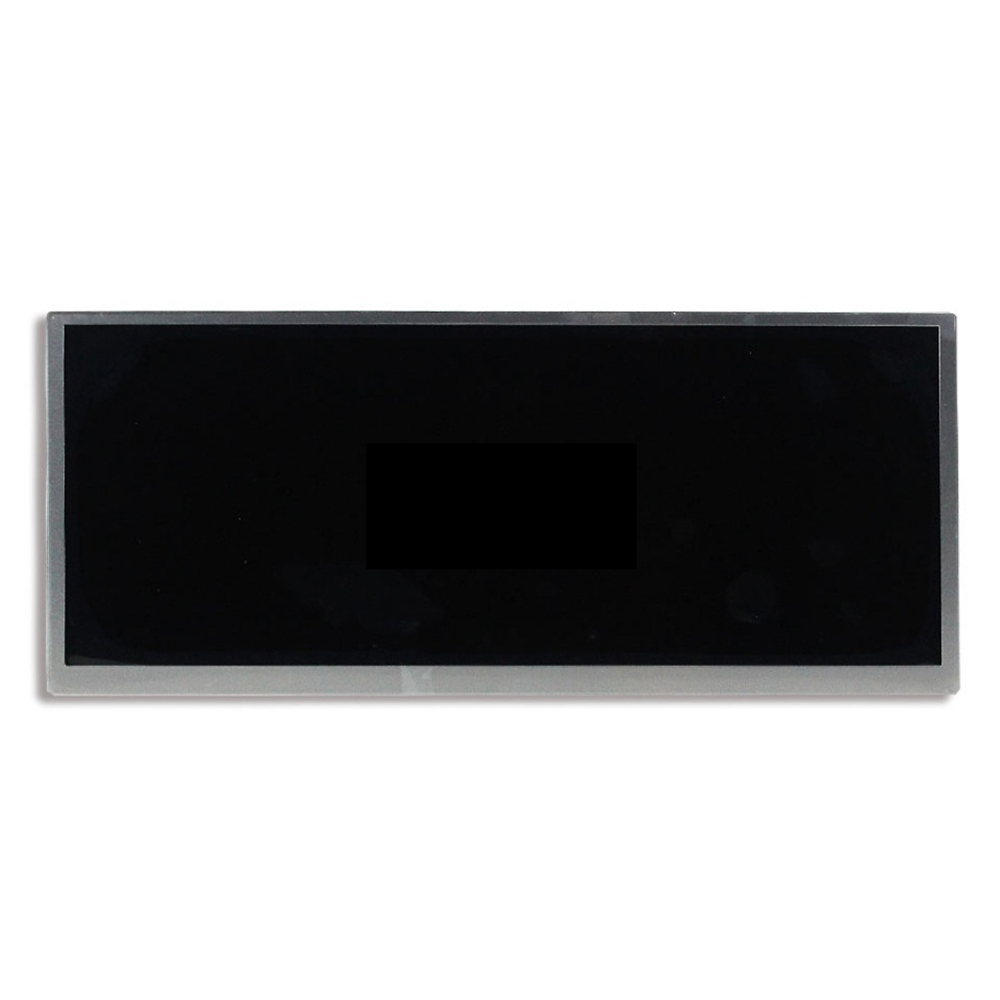
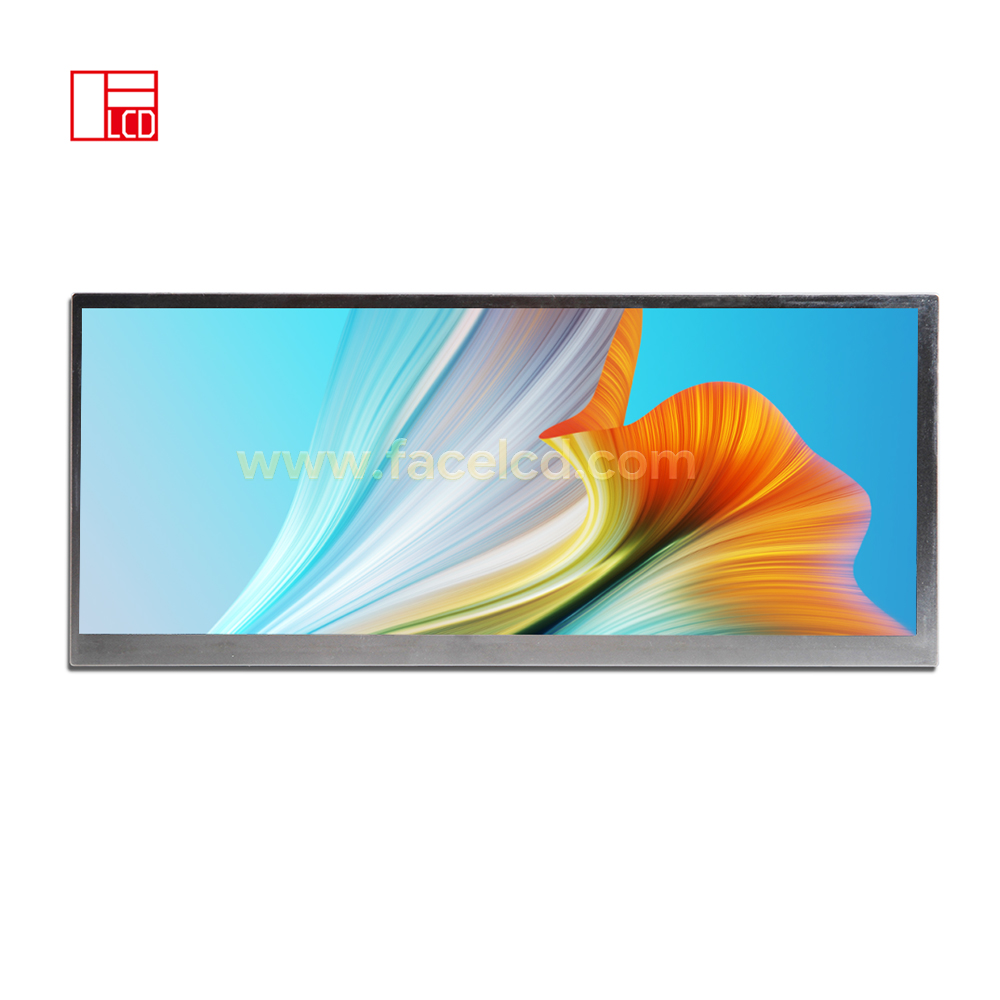
Innolux 12.3inch 1920x720 Original LCD Module JJ123IA-01J
-
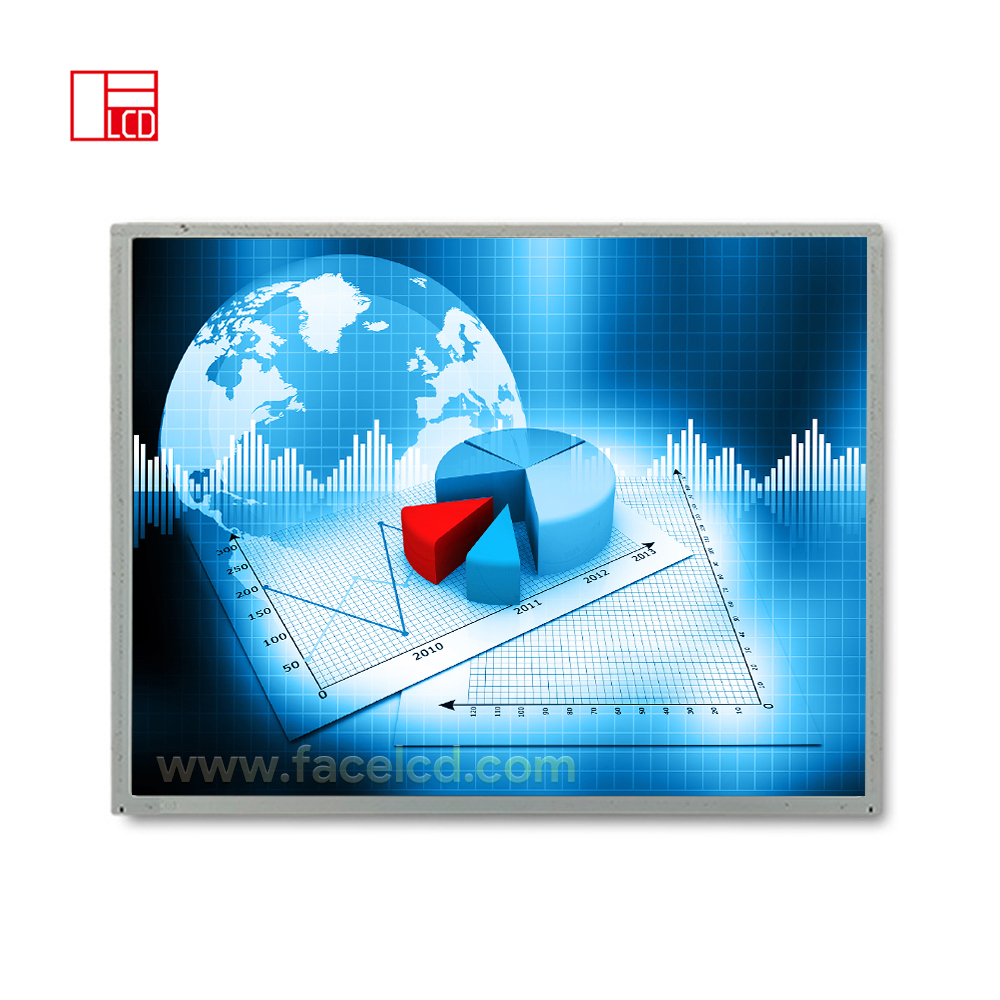
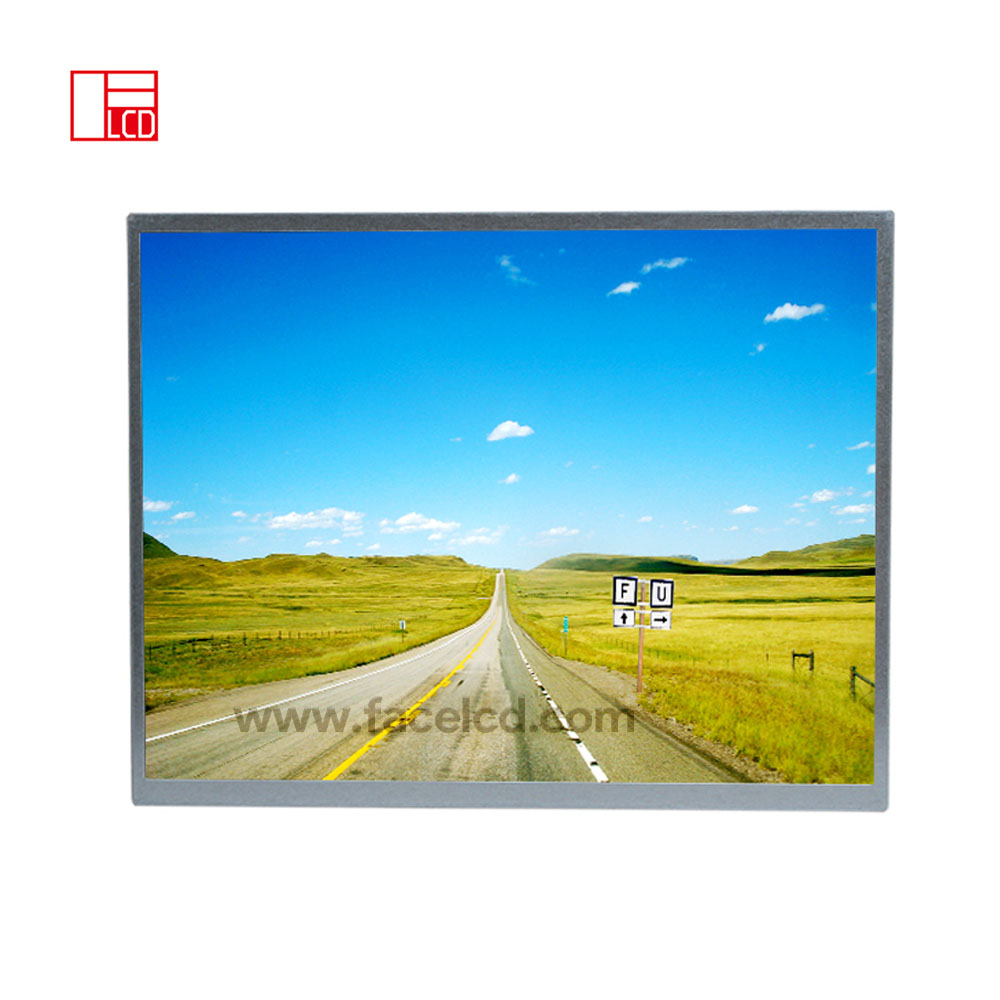
15inch 1024X768 IPS TFT LCD Display with LVDS
-
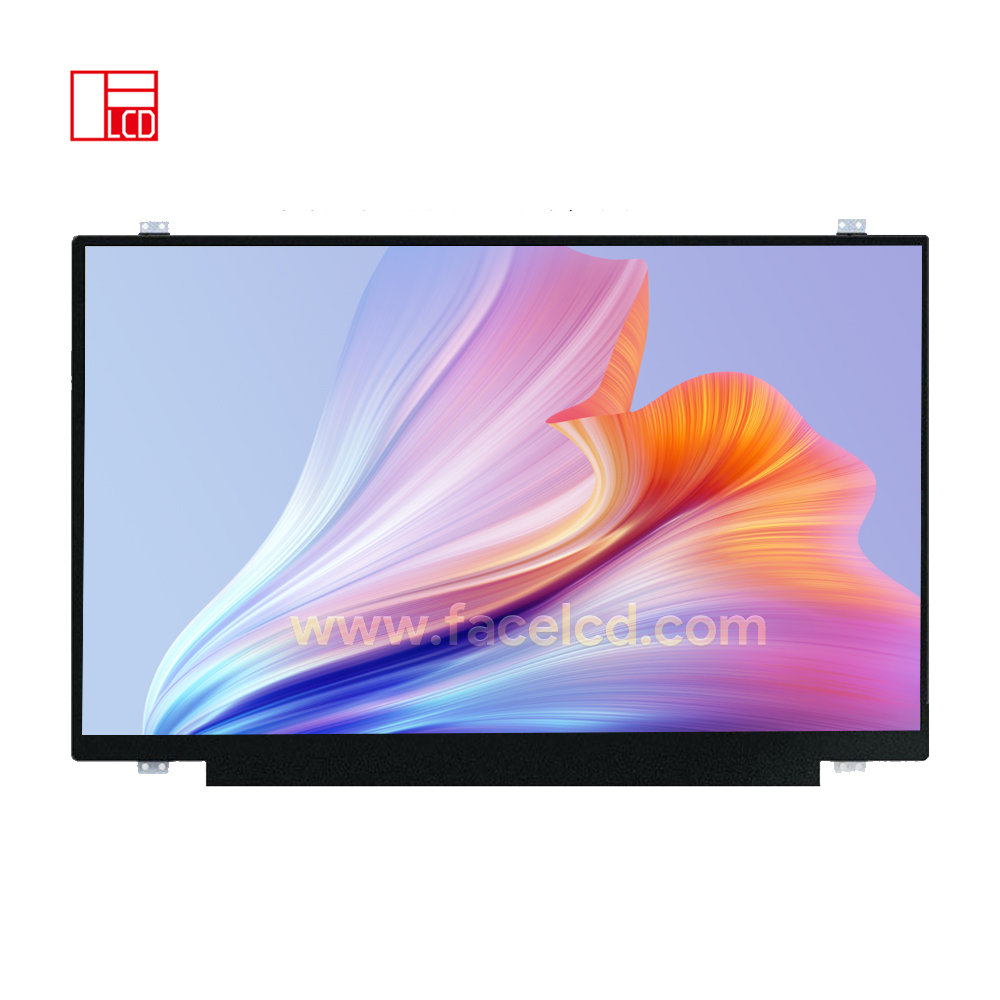
15.6inch 1920X1080 IPS TFT LCD Display with EDP
-
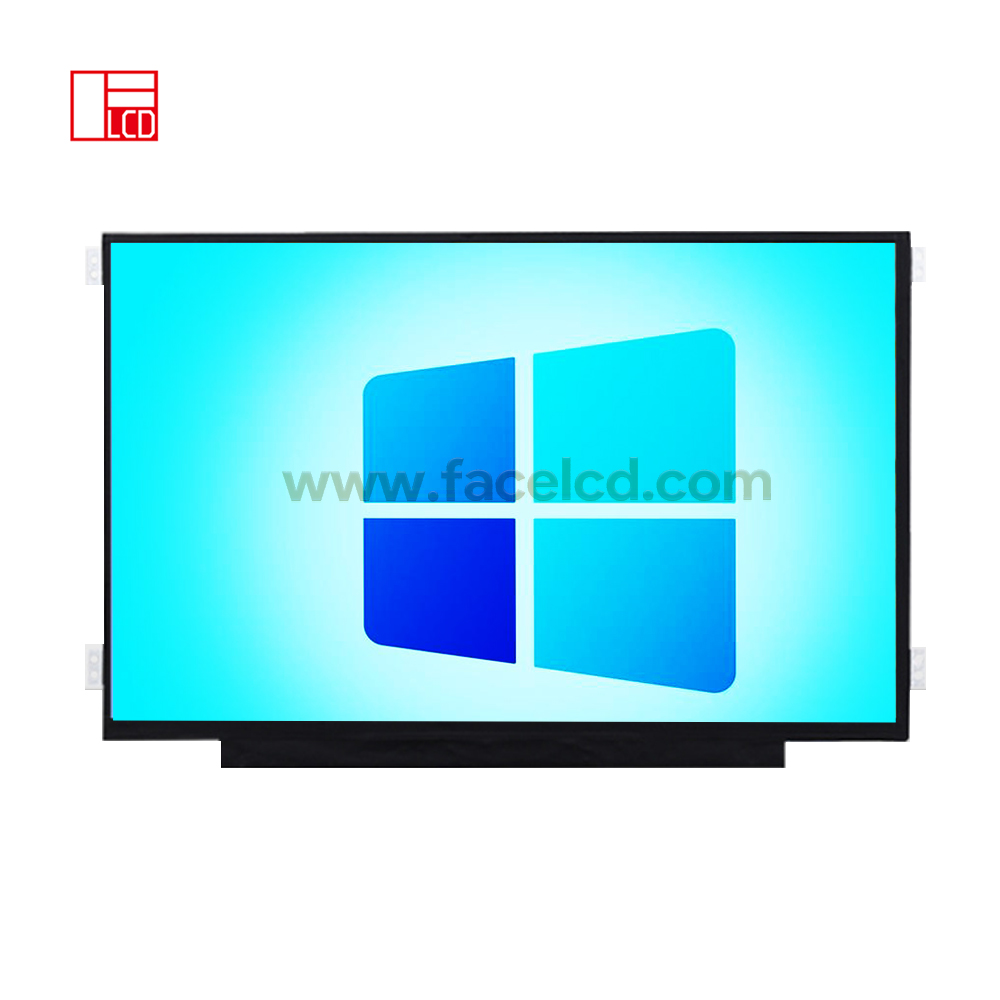
13.3inch 1920X1080 IPS TFT LCD Display with EDP
-
12.3 inch 1920X720 IPS TFT LCD Display with LVDS
-
12.1inch 1024X768 IPS TFT LCD Display with LVDS
-
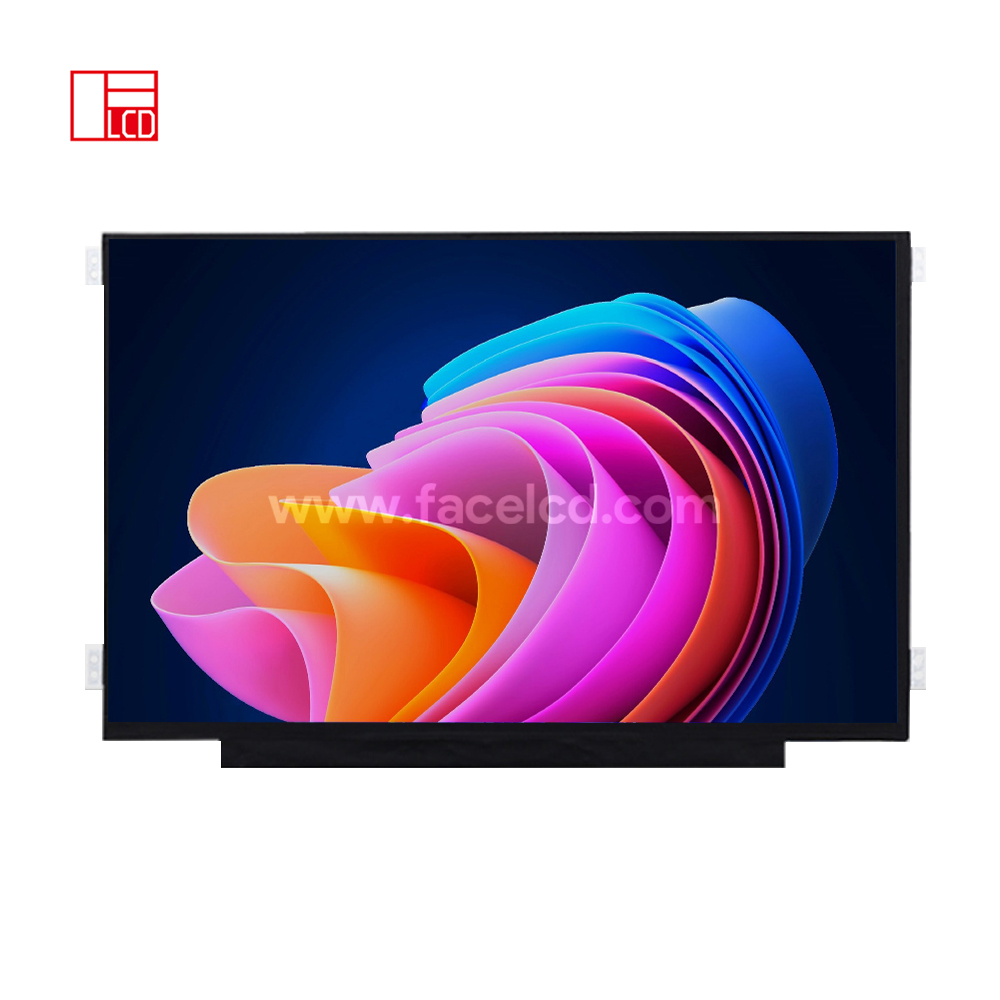
11.6inch 1920X1080 IPS TFT LCD Display with EDP
-
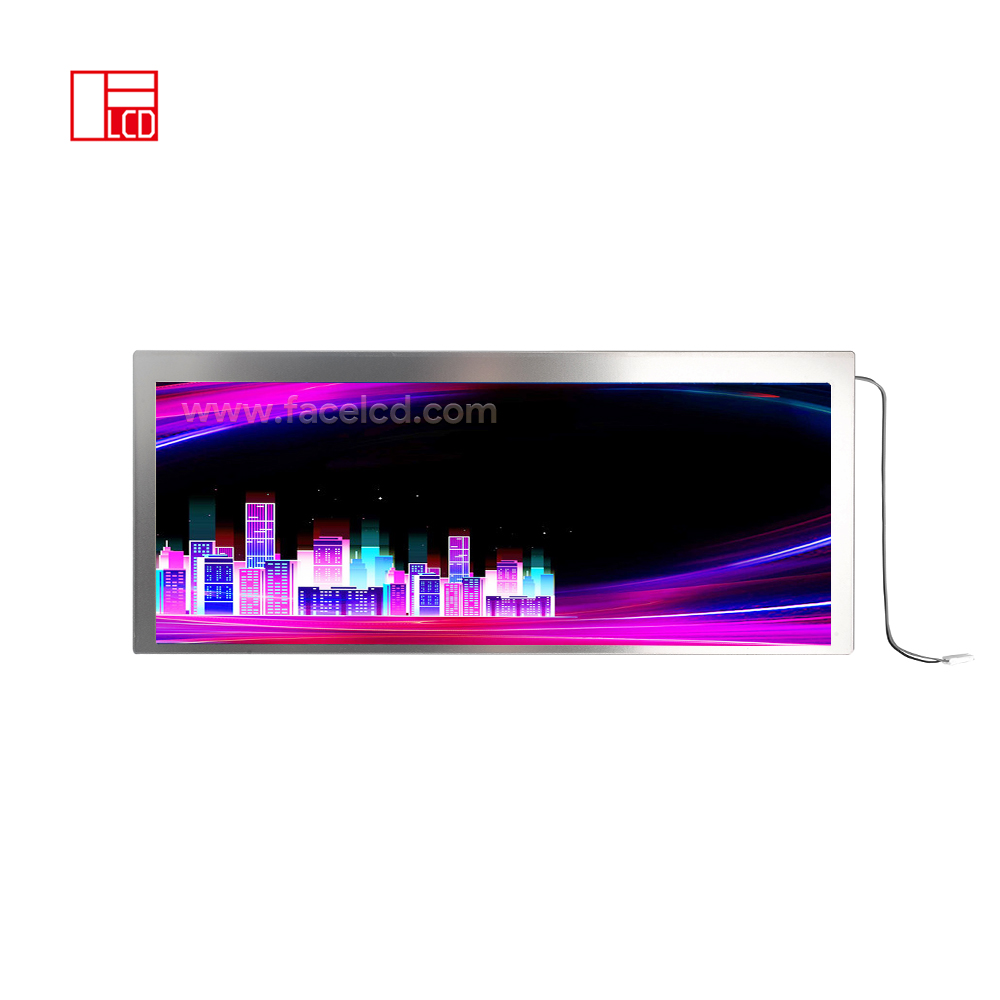
10.25inch 1280X480 IPS TFT LCD Display with LVDS
-
10.4inch 1024X768 IPS TFT LCD Display with LVDS
10.2"~15.6"
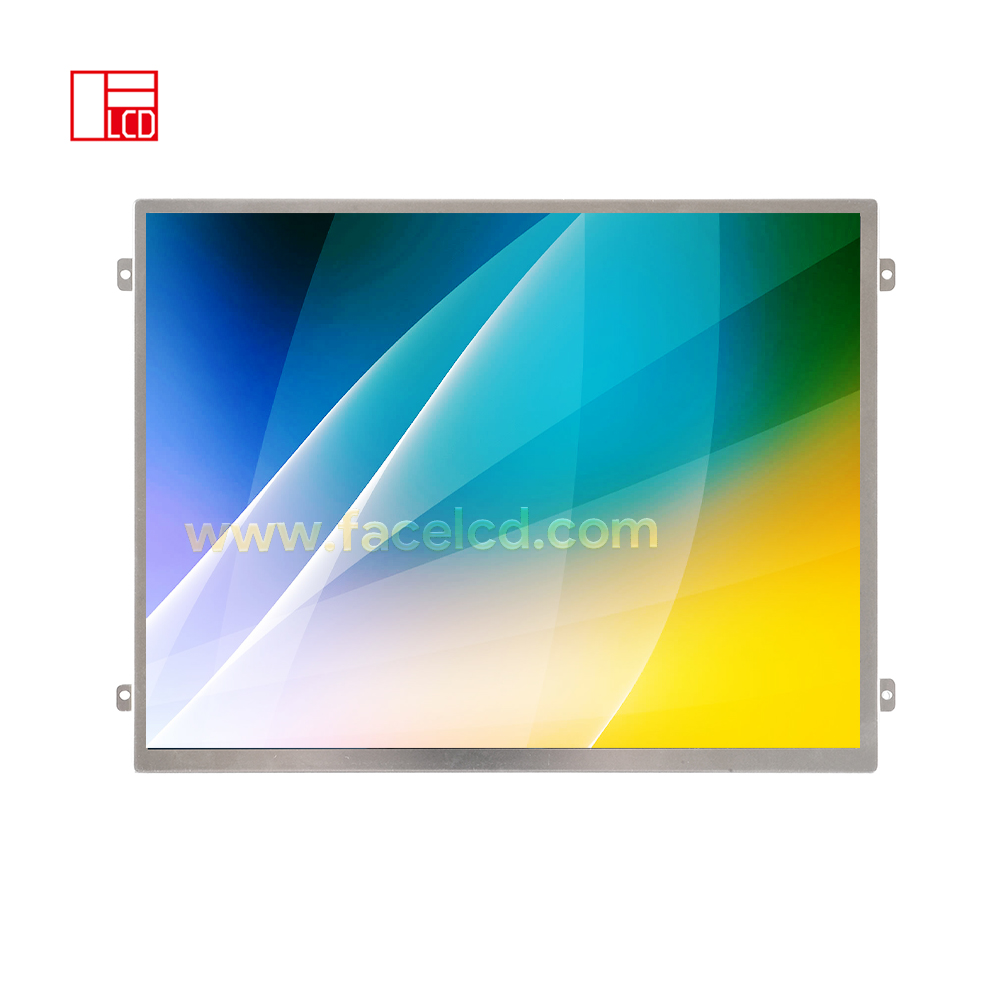
10.2-Inch LCD Panels For HMI, POS, And Kiosk Screens
A 10.2 inch LCD display gives equipment a wider and clearer screen area for menus, images, forms, videos, and touch control. It works well in HMI panels, POS terminals, kiosks, smart devices, medical equipment, and industrial control screens. FaceLCD supplies 10.2-inch LCD panels with 1024x600 resolution, LVDS or HDMI support, touch panel options, high brightness choices, and driver board matching for real project use.A Practical Screen Size For More Complete Interfaces
For many products, 10.2 inches offers more room than a 7-inch module while still keeping the device size under control. This helps the screen show more buttons, status data, images, and setting pages without making the layout feel crowded. At the same time, it gives designers more space to arrange text, icons, and touch areas in a clear way. Common options include:- 1024x600 resolution for menus, images, forms, and system data
- LVDS or HDMI support for embedded boards and driver boards
- Standard or high brightness versions for different light conditions
- Capacitive touch, resistive touch, or non-touch front design
- Cover glass, cable, backlight, and driver board support
| Selection Point | Common Option | How It Helps The Project |
|---|---|---|
| Screen size | 10.2 inch | Gives more room for control pages and visual content |
| Resolution | 1024x600 | Shows menus, data, images, and forms with clear detail |
| Interface | LVDS or HDMI | Matches embedded boards or external display boards |
| Touch type | CTP, RTP, or non-touch | Supports finger control, glove use, or display-only designs |
| Brightness | Standard or high brightness | Fits indoor use, shop counters, kiosks, and control rooms |
Where This Panel Size Works Well
In POS systems, this size can show product lists, payment pages, order details, and touch buttons with better spacing. For kiosks, it can support self-service menus, guide pages, and user prompts. In HMI panels, the screen can show alarms, charts, machine status, and control keys on one page. This size also works well when the product needs a stronger visual effect than small modules can offer. For example, medical devices may need a clear screen for values and image detail. Smart equipment may need a neat front panel with touch control. Because the panel offers more space, the interface can stay easier to read during long use.Key Details To Confirm Before Sampling
A 10.2-inch panel needs careful review before sample work. First, the team should check the active area, outer size, mounting space, and cable path. Next, the interface signal, backlight power, touch type, and driver board should match the mainboard. If these details do not match early, the housing or PCB may need changes later. FaceLCD can review panel drawings, connector direction, cable length, touch structure, cover glass, and driver board needs before sampling. When the product uses HDMI input, a matching driver board can help with faster screen testing. When the product uses LVDS, the signal path and cable design need closer checking to keep the display stable.Touch And Brightness Options For Different Use Scenes
Touch control changes how users work with the screen. Capacitive touch suits glass-front products that need smooth finger control. Resistive touch works better with gloves, stylus input, or harder work sites. A non-touch version may suit devices that use keys, knobs, barcode scanners, or external control parts. Brightness also affects the final result. Standard brightness fits many indoor machines and POS terminals. High brightness can help kiosks, vehicle screens, or panels used near windows. Before choosing the backlight, the project should check viewing distance, light level, heat space, and power limits.Why Choose FaceLCD 10.2-Inch LCD Panels?
FaceLCD supports 10.2-inch display projects from panel choice to touch and driver board matching. The team can help check size, signal, cable, glass, brightness, and board needs before sample approval. As a result, the screen can fit the product design with fewer changes during assembly.- 10.2-inch panel options for POS, kiosk, HMI, and smart equipment
- LVDS and HDMI support for different board plans
- Touch panel matching for finger, glove, or stylus use
- Driver board, cable, cover glass, and backlight support
- Display, touch, backlight, and appearance checks before shipment