
Contact us
FaceLCD Hong Kong Limited
Tel: +8615818692944
E-mail: sales@facelcd.com
Address: 13F, Buiding B, Colorful Tech Park, Guanlan High tech park, Longhua Dist, Shenzhen,China ZIP code 518100
LVDS Driver Board
You are here: Home > LCD Driver Board >
-

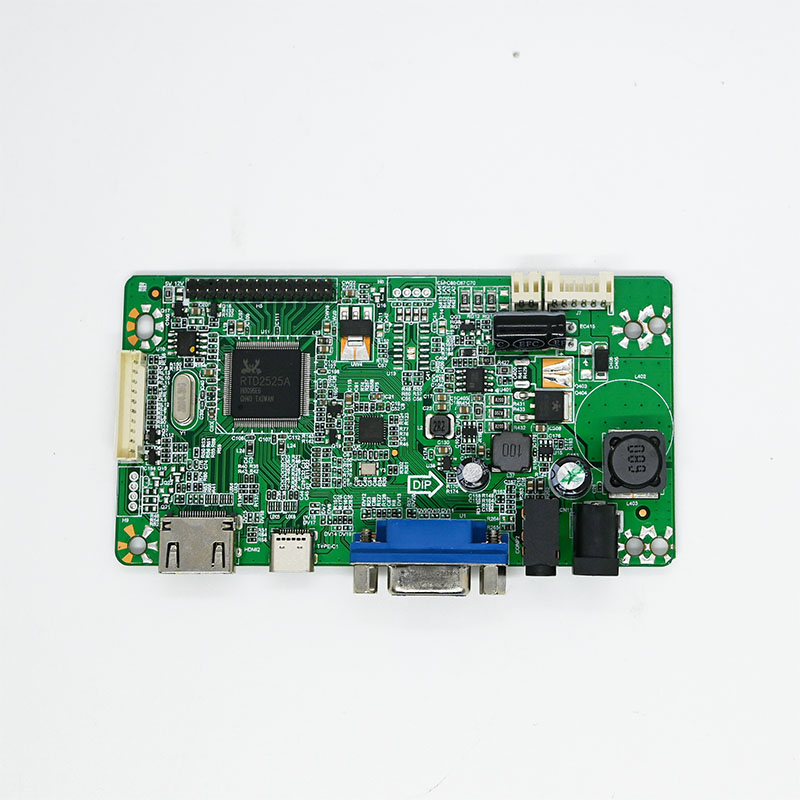
LCD driver board HDMI+Type-C+VGA 1920x1080
-
Industrial Wide Temp/High Voltage LCD driver board to HDMI 1920x1080
-
Industrial Monitor Driver Board HDMI+VGA+USB-Touch 1920x1200
-
Industrial Monitor Driver board DP+HDMI+VGA+DVI 1920x1200
-
Universal board for 40PIN & 50PIN RGB/LVDS to HDMI/VGA
-
LCD driver board HDMI to LVDS 1920x1200
-
Industrial LCD driver board HDMI+VGA 1920x1200 Wide Temp/High Voltage
LVDS Driver Board
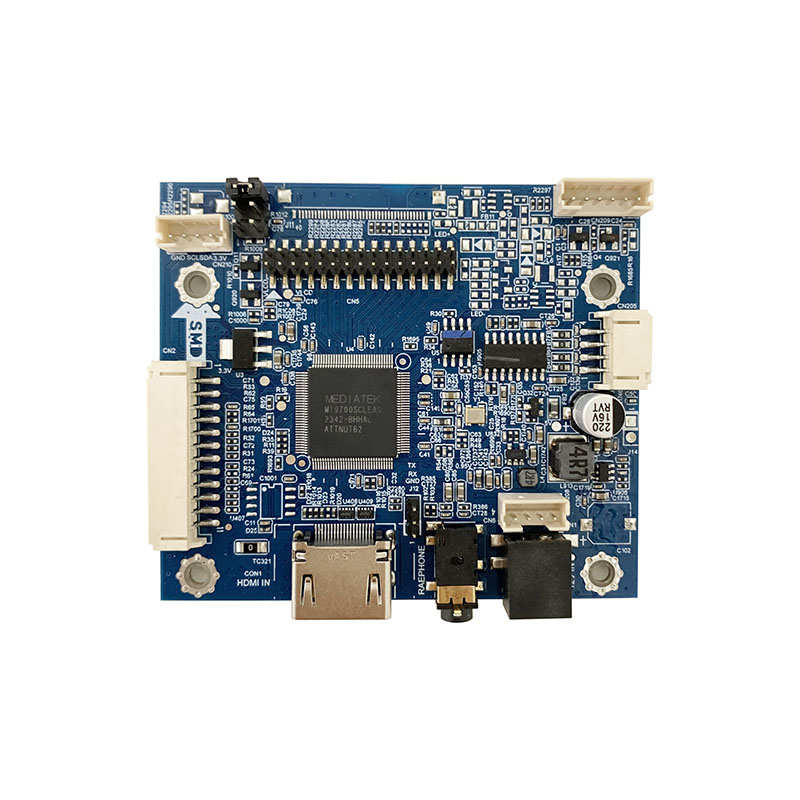
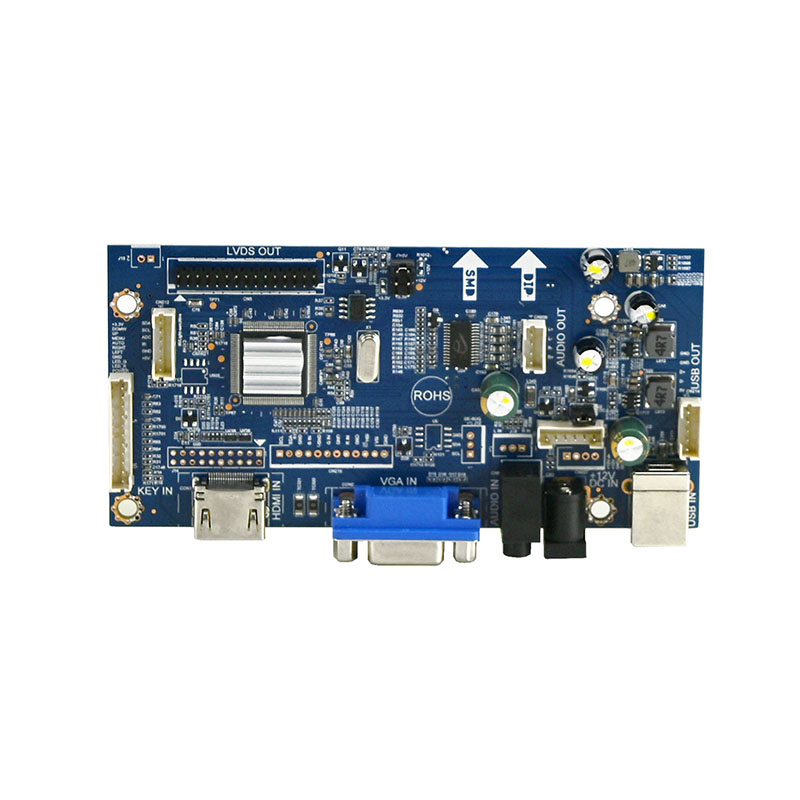
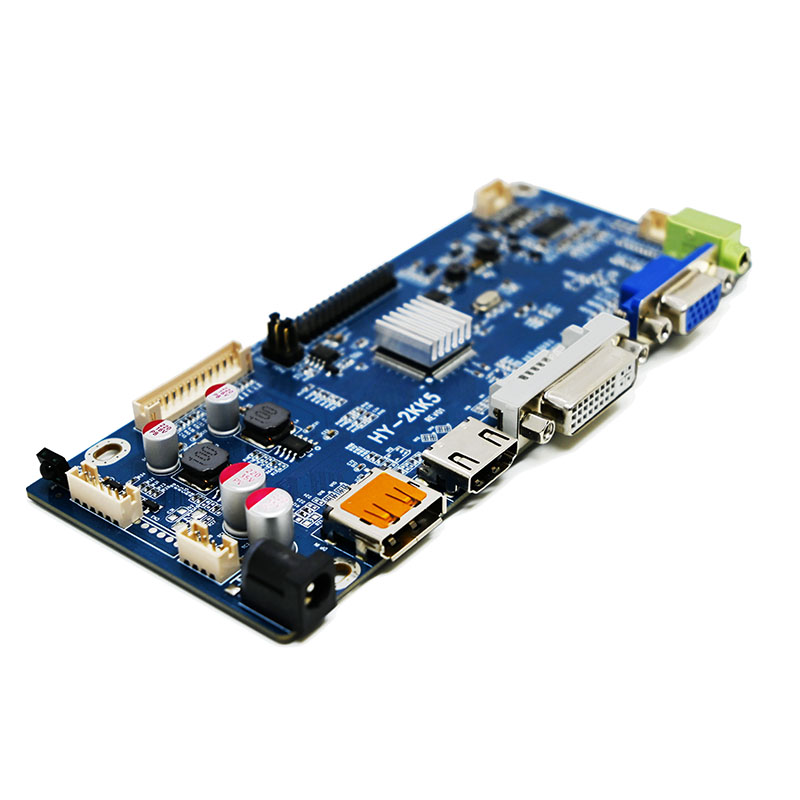
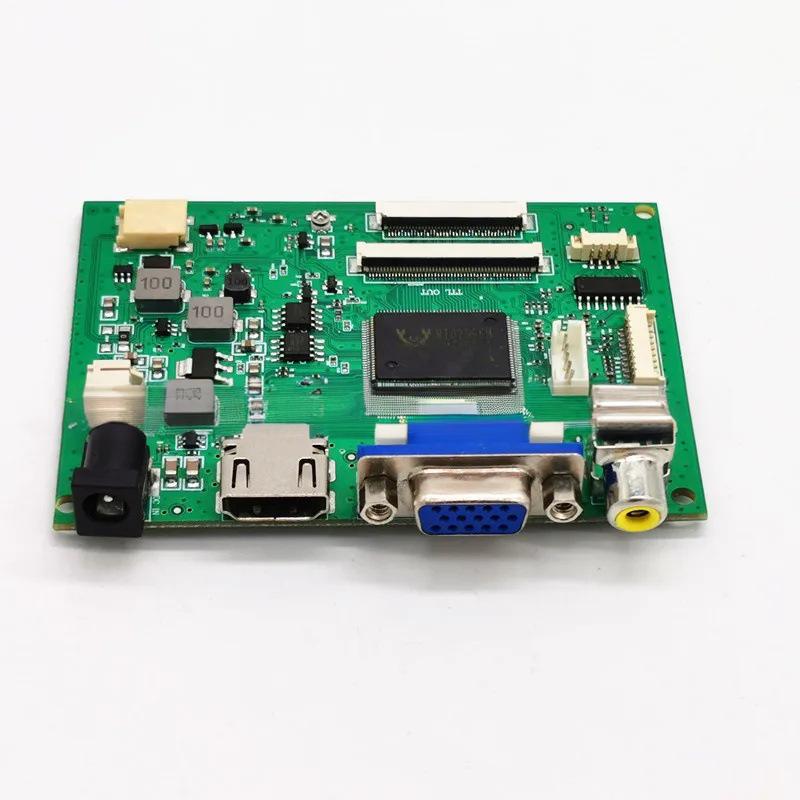
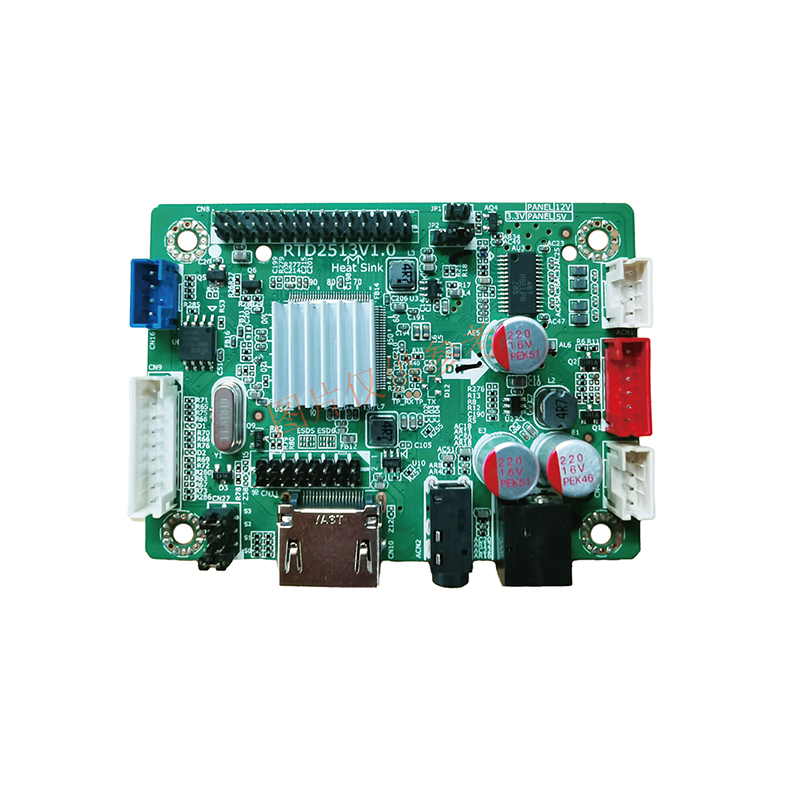
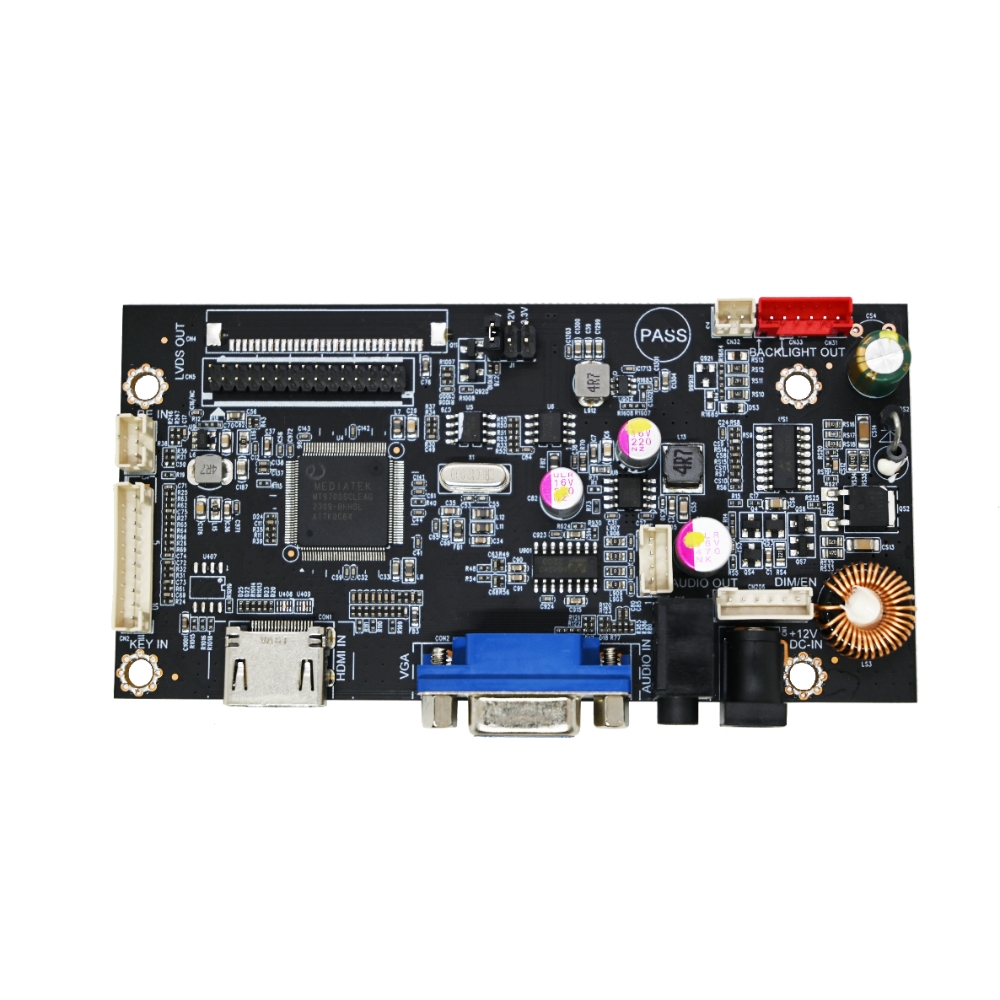
An LVDS driver board is a circuit board that acts as a translator and signal booster, allowing you to connect a video source (like a computer or a Raspberry Pi) to an LCD screen that uses the LVDS interface .
To understand what it does, it helps to know what LVDS is and how the board functions.
What is LVDS?
LVDS stands for Low-Voltage Differential Signaling . Think of it as a specialized language for transmitting video data. It has three key characteristics:
-
High Speed: It can transfer massive amounts of video data at speeds of hundreds of megabits to several gigabits per second, which is essential for high-resolution displays .
-
Low Noise: It uses a "differential signaling" method, sending data over a pair of wires with opposite voltages. Any outside interference affects both wires equally and gets canceled out at the receiver, resulting in a very clean, stable image .
-
Low Power: It operates with a very low voltage swing (about 350 mV), which keeps power consumption and heat generation to a minimum .
Because of these advantages, LVDS has become the standard interface for connecting the main logic board to the display panel in many laptops, monitors, and industrial screens .
What Does an LVDS Driver Board Do?
Your video source (like a computer's HDMI port) doesn't speak the LVDS language natively. This is where the driver board comes in. It acts as a translator and a power manager, typically performing three main functions :
| Function | What it Does | Why it Matters |
|---|---|---|
| Signal Conversion | Converts incoming video signals (from HDMI, VGA, DVI, etc.) into the low-voltage differential signals (LVDS) that the LCD panel can understand . | Allows you to use a standard LCD panel with common video sources, even if the panel doesn't have those inputs. |
| Timing Control | Provides the precise timing signals (pixel clock, horizontal/vertical sync) required by the specific LCD panel to display a stable image . | Ensures the image is correctly framed and free from flicker or distortion. |
| Power Management | Generates the various voltages needed to power the LCD panel and its backlight . | Powers the screen itself, so you don't need multiple separate power supplies. |
Common Types and Features
These boards come in different flavors depending on what you want to connect and what type of screen you have:
| Type of Board | Best For... |
|---|---|
| HDMI LVDS Board | DIY projects like building a custom monitor, digital signage, or connecting a Raspberry Pi to a laptop screen. It accepts a standard HDMI input for high-quality, noise-free digital video . |
| VGA LVDS Board | Older systems or industrial equipment where a simple analog VGA connection is the standard . |
| Touch-Integrated Board | Interactive kiosks, point-of-sale (POS) systems, or any project requiring a touchscreen. These combine the driver board with a controller for the touch overlay (usually connecting via USB) . |
| CCFL/LED Driver Board | Specifically powers the backlight. CCFL (older tube-style) and LED (modern) backlights require different types of drivers, so it's crucial to match the board to your panel's backlight type . |
In short, an LVDS driver board is the essential bridge that makes a raw LCD panel work as a complete, usable monitor.
Why Choose FaceLCD LVDS Driver Boards?
FaceLCD supports LVDS board matching for LCD panel repair, reuse, and industrial screen projects. The team can help check signal type, cable layout, and backlight data before shipment.
- LVDS board options for monitors and industrial displays
- HDMI, VGA, AV, and related input support
- Single-channel and dual-channel LVDS matching support
- Cable, keypad, power board, and backlight support
- Display output and backlight checks before shipment
FAQ
How Do I Know If My Panel Uses LVDS?
You can check the panel datasheet or model number. FaceLCD can help review the interface type and cable data.
Can This Board Repair An Old Monitor?
Yes. An LVDS driver board may help if the panel still works and the signal, cable, and backlight match the board.