
Contact us
FaceLCD Hong Kong Limited
Tel: +8615818692944
E-mail: sales@facelcd.com
Address: 13F, Buiding B, Colorful Tech Park, Guanlan High tech park, Longhua Dist, Shenzhen,China ZIP code 518100
Touch LCD Display
You are here: Home >
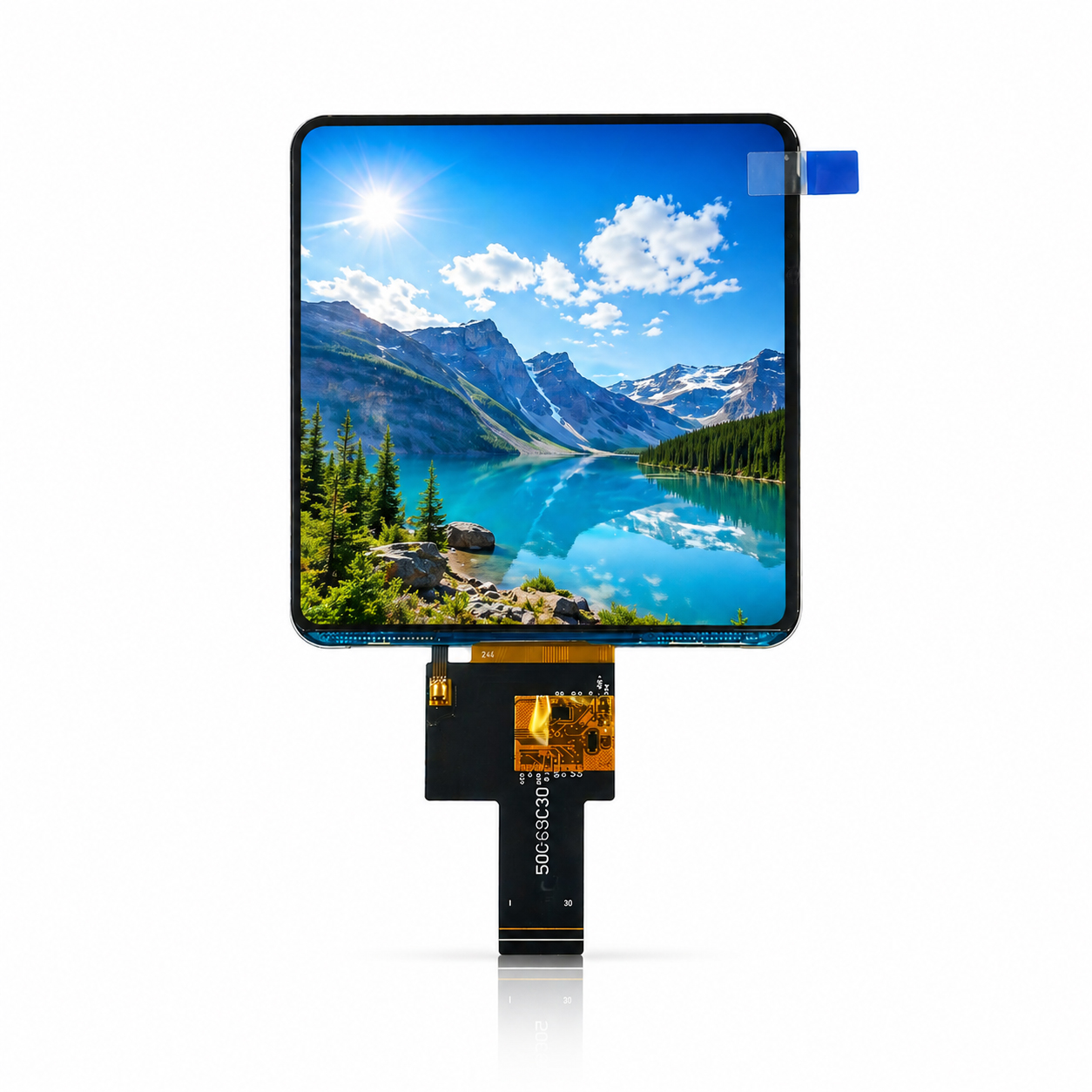
Touch LCD Display
Touch Panels For HMI, Medical Devices, And Control Screens
A touch LCD display gives equipment both visual output and direct input on the same front panel. It suits HMI devices, medical equipment, kiosks, POS screens, smart appliances, control panels, and test instruments. FaceLCD can supply LCD panels with capacitive touch or resistive touch, plus cover glass, bonding, FPC, cable, interface, and driver board support.
Choosing The Right Touch Structure
Touch choice depends on how the product works. Capacitive touch suits clean glass fronts, finger input, and modern control pages. Resistive touch suits glove use, stylus input, and harder work sites. If the device works near water, dust, or strong light, the front glass and bonding method also need review.
Common selection points include:
- LCD size and resolution based on UI layout
- Capacitive or resistive touch structure
- Cover glass printing and lens thickness
- Air bonding or optical bonding based on display needs
- FPC, cable, interface, and driver board support
| Selection Point | Common Option | How It Helps The Project |
| Touch type | CTP or RTP | Matches finger, glove, or stylus input |
| Bonding | Air or optical bonding | Affects front look and readability |
| Cover glass | Printed or clear glass | Matches product front design |
| Interface | LCD and touch signals | Matches mainboard and driver board |
| Application | HMI, medical, kiosk | Supports direct screen control |
What Affects Touch Performance
A touch panel should match the product environment, not only the screen size. A medical device may need a clean front surface and stable touch response. A kiosk may need a stronger cover glass and clear touch areas. An HMI panel may need glove support, clear icons, and simple menu flow.
FaceLCD can review the LCD panel, touch sensor, cover glass, bonding plan, cable route, and driver board needs before samples. This helps the touch LCD display fit the front structure and mainboard plan with fewer later changes.
Why Choose FaceLCD Touch LCD Panels?
FaceLCD supports touch display projects from screen selection to front glass and board matching. The team can help check touch type, display size, bonding needs, cable layout, and sample test points before order planning.
- Capacitive and resistive touch options for different use scenes
- LCD panel matching for HMI, medical, kiosk, and control screens
- Cover glass, bonding, FPC, cable, and interface support
- Driver board support for display and touch testing
- Display, touch, backlight, and appearance checks before shipment
FAQ
Should I Choose Capacitive Touch Or Resistive Touch?
Capacitive touch suits finger input and glass-front designs. Resistive touch works better for glove use, stylus input, and rougher work areas.
Can FaceLCD Provide Cover Glass?
Yes. FaceLCD can support cover glass size, border printing, lens thickness, and front panel fit based on the product drawing.