
FaceLCD Hong Kong Limited
Tel: +8615818692944
E-mail: sales@facelcd.com
Address: 13F, Buiding B, Colorful Tech Park, Guanlan High tech park, Longhua Dist, Shenzhen,China ZIP code 518100
You are here: Home > Technology >
Learn what Gamma is in LCD screens, why it matters for brightness and color accuracy, and how it affects your viewing experience.
Gamma is a fundamental concept in display technology that ensures the images you see look natural and true to life. In simple terms, it refers to the mathematical relationship between the input signal and the output brightness of an LCD screen. This guide explains why it matters, how it works, and what you need to know to get the best picture quality.
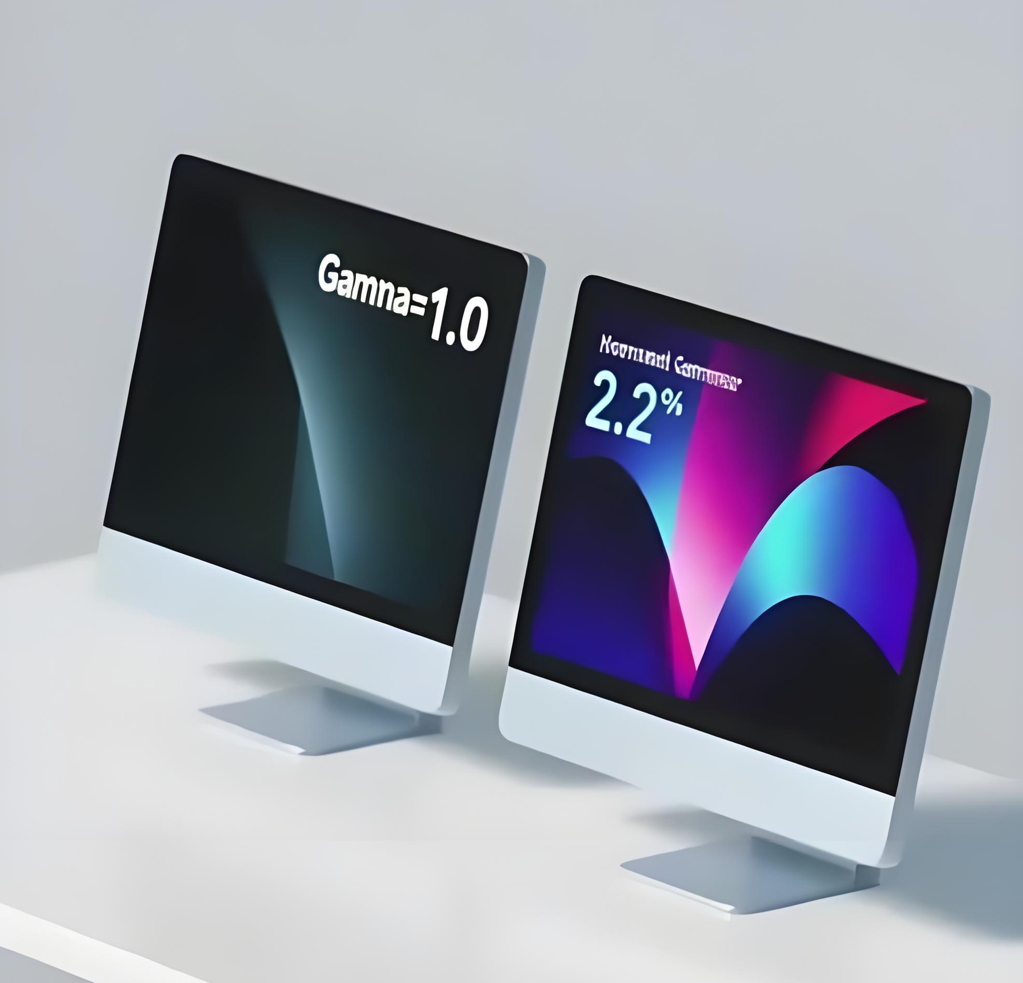
Gamma exists to address two main challenges: the workings of human vision and the physical limitations of display devices.
Human Visual Perception
Our eyes are more sensitive to changes in dark areas than in bright areas. For example, we can easily distinguish dark gray from light gray but struggle to differentiate bright white from an even brighter white. Correct Gamma settings are designed to match this nonlinear perception.
Efficient Signal Storage and Transmission
In early digital imaging, bandwidth and storage were limited. Gamma correction helped conserve space by allocating more data to shadow areas—where our eyes notice detail—and less to bright areas.
Physical Characteristics of Display Devices
Early CRT monitors naturally exhibited a nonlinear brightness response. Interestingly, this closely matched human vision. Modern LCD screens simulate this behavior through Gamma correction.
Gamma adjustment involves a two-step process: encoding during content creation and decoding during display.
Encoding (Content Creation)
Cameras and editing software apply Gamma encoding (about 0.45) to video and image files. This process stretches dark details and compresses bright ones, optimizing data for storage and transmission.
Decoding (The Display)
Your LCD screen applies Gamma decoding (usually 2.2) to the encoded signal. This reverses the encoding, restoring a linear brightness output that looks natural to our eyes.
In a standard sRGB system, 0.45 and 2.2 are inverse values, completing the cycle.
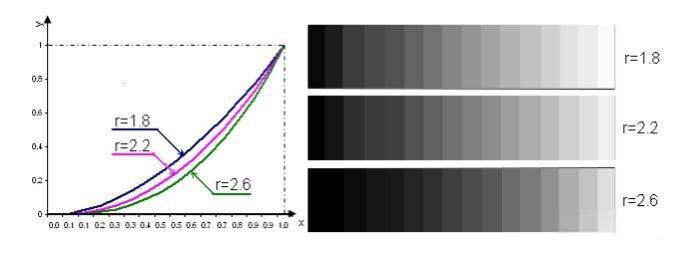
Different applications use different Gamma values:
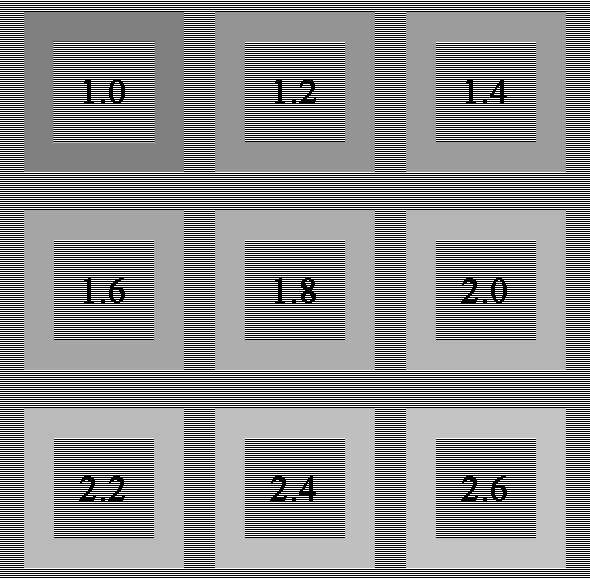
Incorrect Gamma settings directly impact image quality:
It’s important not to confuse Gamma with brightness or contrast:
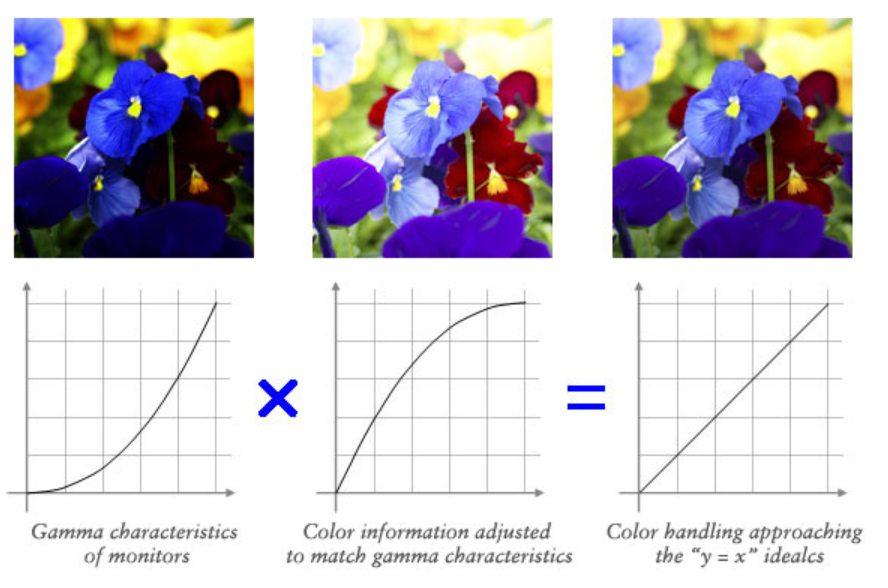
Gamma acts as a crucial translator between digital signals and human vision. By understanding and correctly configuring it, you can ensure that your LCD screen displays richer details, smoother transitions, and more accurate colors. For most users, targeting a Gamma value of 2.2 will provide the optimal viewing experience.