
FaceLCD Hong Kong Limited
Tel: +8615818692944
E-mail: sales@facelcd.com
Address: 13F, Buiding B, Colorful Tech Park, Guanlan High tech park, Longhua Dist, Shenzhen,China ZIP code 518100
You are here: Home > Technology >
A TFT LCD Display for Security Equipment is not simply an LCD panel installed behind a front cover. It is an integrated display subsystem involving the panel, backlight, interface, touch sensor, controller, cover glass, FPC, bonding material, mechanical frame, and host mainboard.
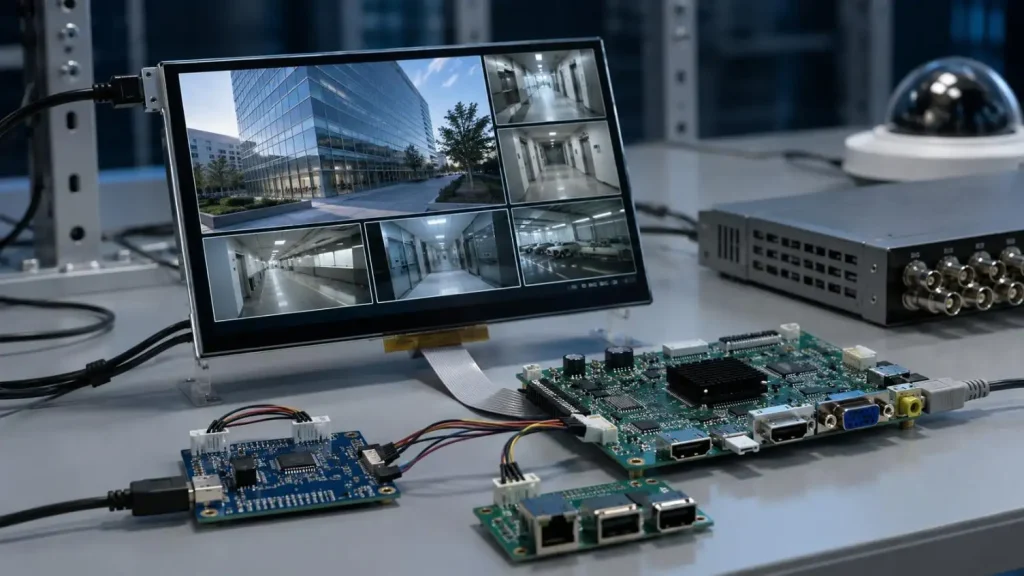
Access-control terminals, video intercoms, CCTV consoles, biometric readers, visitor kiosks, smart locks, and industrial alarm systems operate under different lighting, temperature, electrical, and user-interface conditions. Therefore, a custom TFT LCD Display for Security Equipment must be selected according to the complete equipment architecture rather than panel size alone.
The display specification should begin with the final operating environment.
| Security Application | Typical Display Configuration | Primary Engineering Concern |
| Access-control terminal | 4.3–10.1-inch touchscreen | Sunlight readability and touch accuracy |
| Video intercom | IPS panel with capacitive touch | Viewing angle and facial-image clarity |
| CCTV control console | 10.1–15.6-inch LCD | Video bandwidth and multi-window layout |
| Smart lock | Small low-power TFT module | Compact PCB and FPC routing |
| Visitor kiosk | Large cover-glass touchscreen | Impact resistance and front sealing |
| Industrial security HMI | Wide-temperature display | EMI, gloves and continuous operation |
| Vehicle surveillance terminal | High-brightness LCD | Vibration, sunlight and power fluctuation |
Before selecting a TFT LCD Display for Security Equipment, confirm:
• Indoor, semi-outdoor, or outdoor use
• Portrait or landscape orientation
• Expected operating hours per day
• Finger, glove, wet-finger, or stylus input
• Mainboard signal interface
• Available mounting depth
• Operating and storage temperature
• Waterproof, dustproof, UV, or impact requirements
The nominal diagonal size does not define mechanical compatibility. Two 7-inch panels may have different outline dimensions, active areas, bezel widths, mounting structures, and FPC exit directions.
Displays from 0.96 to 4.3 inches are commonly used in smart locks, alarm panels, portable readers, and compact biometric terminals.
Important design points include:
• Low backlight current
• MCU, SPI, or RGB communication
• Limited PCB and connector space
• Short FPC routing
• Portrait-mode timing
• Low standby power
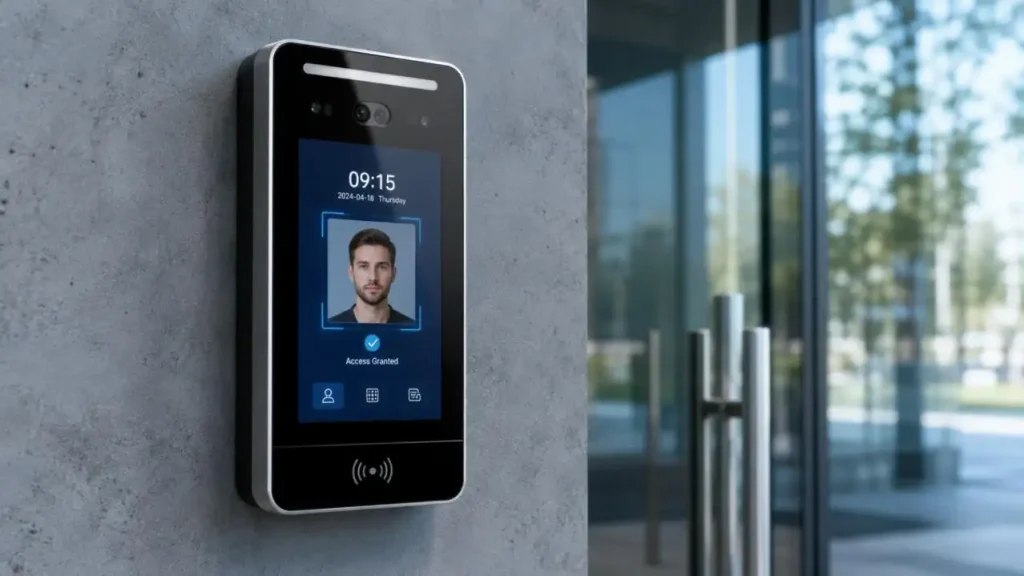
Displays from 5.0 to 15.6 inches are suitable for intercoms, access-control terminals, visitor systems, and security consoles. Larger panels may be used in control-room monitoring systems.
| Panel Size | Typical Product | Key Selection Focus |
| 1.44–4.3 inches | Smart lock, handheld terminal | Low power and compact structure |
| 5.0–7.0 inches | Intercom, access control | Touch integration and viewing angle |
| 8.0–10.1 inches | Visitor terminal, security HMI | Brightness and interface |
| 10.4–15.6 inches | CCTV console | Resolution and video bandwidth |
| 17–49 inches | Monitoring workstation | Thermal and mechanical support |
Mechanical review should include the active area, viewing area, cover-glass opening, mounting pressure, FPC bend radius, connector clearance, and backlight-driver location.
Excessive frame pressure may cause light leakage, Mura, glass deformation, or touch drift.
Widely accepted resolutions are QVGA, WVGA, XGA, HD, Full HD, and 4K UHD. When determining the resolution one must take into consideration the balance between display size, interface bandwidth, processor performance, UI complexity, and camera-video format.
Higher resolution will allow for:
• Finer details of faces and vehicles
• Sharper status icons and text
• More room in a layout for multiple cameras
• Better and more detailed maps and alarm information
On the flip side, higher resolution will add:
• Mainboard processing load
• Memory bandwidth
• Signal clock frequency
• Power consumption
• Heat
• And make the interface more complex.
| Parameter | TN Panel | IPS Panel |
| Viewing angle | More limited | Wider |
| Color stability | Changes with angle | More consistent |
| Typical cost | Lower | Higher |
| Fixed-position reading | Suitable | Suitable |
| Multi-angle observation | Limited | Preferred |
| Common security use | Alarm panel | Intercom or access terminal |
For a wall-mounted TFT LCD Display for Security Equipment, IPS often provides more stable contrast when users view the screen from different heights. TN may remain practical for compact, front-viewed products.
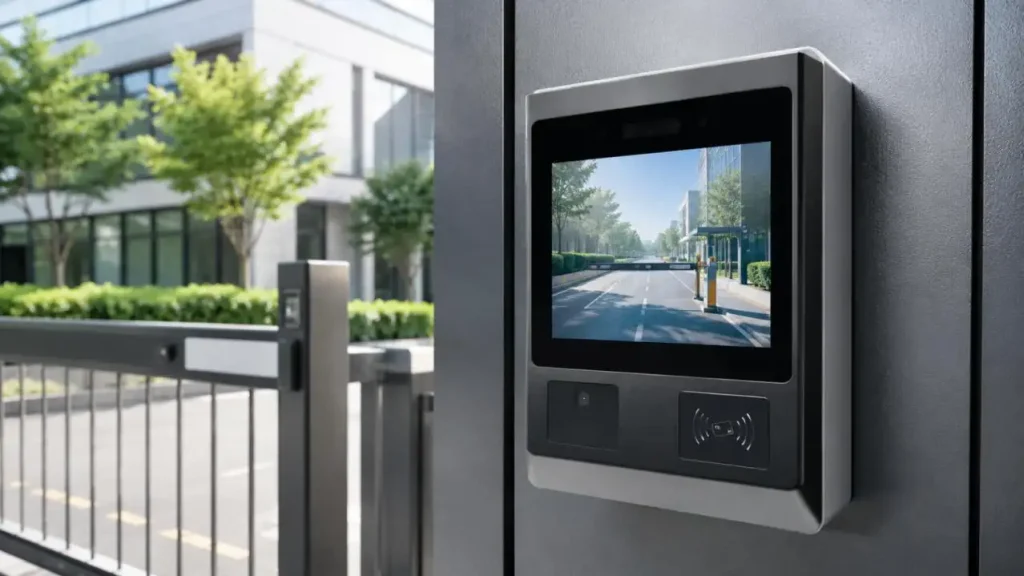
Common interfaces include MCU, RGB, LVDS, MIPI DSI, eDP, and HDMI.
| Interface | Typical Use | Parameters to Verify |
| MCU | Small embedded display | Data width, command set and timing |
| RGB | Small and medium TFT module | Pixel clock, sync and pinout |
| LVDS | Industrial LCD panel | Channel mapping and bit format |
| MIPI DSI | Compact high-resolution device | Lane count, speed and operating mode |
| eDP | High-resolution embedded monitor | Link rate, AUX channel and power sequence |
| HDMI | External video source | Controller board, EDID and scaling |
The same interface name does not guarantee interchangeability. A custom TFT LCD Display for Security Equipment requires confirmation of:
• Logic and panel voltage
• Signal polarity and timing
• Connector model and pin definition
• Backlight voltage and current
• FPC or cable impedance
• Lane or channel configuration
• Power-on and power-off sequence
• Controller-board output resolution
Incorrect matching may cause a black screen, flicker, unstable startup, color inversion, image offset, or permanent electrical damage.
Touch integration affects optical transmission, front-panel thickness, grounding, controller firmware, and mechanical design.
Capacitive touch is commonly used in access-control terminals, smart security panels, visitor kiosks, and video intercoms.
Typical options include:
• Multi-touch operation
• USB or I²C communication
• Custom cover-glass outline
• Black border, logo, and icon printing
• Glove-mode tuning
• Water-rejection algorithms
• Thick-cover-glass support
Capacitive touch performance depends on sensor pattern, cover-glass thickness, air gap, grounding, display noise, touch-controller firmware, and enclosure material. EMI from the LCD clock, backlight converter, power supply, or nearby radio modules may cause false touches or coordinate drift.
Resistive touch remains practical for glove-operated industrial security equipment and stylus-controlled terminals.
| Selection Factor | Capacitive Touch | Resistive Touch |
| Multi-touch | Supported | Usually unsupported |
| Standard glove use | Requires tuning | Reliable |
| Optical clarity | Higher | Lower |
| Stylus support | Capacitive stylus | Standard stylus |
| Surface structure | Rigid cover glass | Flexible top film |
| EMI sensitivity | Requires careful design | Generally lower |
Custom cover glass may include:
• Modified shape and thickness
• Tempered or chemically strengthened glass
• Black, white, or colored border printing
• Camera and sensor openings
• Anti-glare treatment
• Anti-fingerprint coating
• Custom edge finishing
Air bonding leaves an air gap between the LCD and touch panel. It is economical and easier to rework, but internal reflections can reduce contrast.
Optical bonding fills the gap with transparent adhesive. For an outdoor TFT LCD Display for Security Equipment, this can provide:
• Reduced internal reflection
• Improved sunlight readability
• Lower risk of internal condensation
• Better mechanical stability
• Reduced parallax between touch and image
The bonding process must control adhesive thickness, bubble formation, edge overflow, cure conditions, and stress on the LCD cell.
Typical brightness ranges are:
• 250–400 nits: indoor terminals
• 500–700 nits: bright indoor or semi-outdoor systems
• 800–1,000+ nits: outdoor security equipment
Brightness should not be increased by LED current alone. Higher current can raise junction temperature, accelerate lumen depreciation, and reduce backlight lifetime.
A high-brightness TFT LCD Display for Security Equipment should combine:
• Efficient LED selection
• Correct current regulation
• High-transmission optical films
• Cover-glass transmission review
• Optical bonding where appropriate
• Backlight dimming
• Enclosure heat dissipation
Security equipment may operate continuously and near power supplies, wireless modules, motors, or outdoor environments.
Recommended validation includes:
• High- and low-temperature operation
• Thermal-rise measurement
• ESD and EMI testing
• Touch accuracy and linearity
• Glove and wet-finger operation
• Backlight uniformity
• Vibration and connector retention
• Image-retention evaluation
• Power interruption recovery
• Long-duration display operation
• Waterproof front-panel verification
FaceLCD supplies industrial TFT-LCD panels from 0.96 to 49 inches, including TN and IPS structures, standard and high-brightness backlights, and MCU, RGB, LVDS, MIPI, eDP, or HDMI configurations.
For a custom TFT LCD Display for Security Equipment, available project support includes:
• Panel and resolution matching
• Capacitive or resistive touch integration
• FPC length and connector adjustment
• Cover-glass shape and printing
• Optical bonding
• Cable and driver-board matching
• Electrical and mechanical drawing review
• Display, backlight, touch, and appearance inspection
A custom TFT LCD Display for Security Equipment must be engineered as part of the complete device. Panel size, resolution, interface timing, brightness, touch technology, FPC routing, cover glass, optical bonding, thermal design, and enclosure tolerances must work together.
FaceLCD can review the mainboard interface, target size, resolution, brightness, touch method, operating environment, and mechanical drawing before prototype assembly, helping identify a practical display configuration for security terminal development.
Q1. What sizes of TFT LCD Display for Security Equipment can FaceLCD supply?
FaceLCD provides TFT-LCD display panels ranging in size from 0.96 inch to 49 inch. Their offerings support small smart locks and biometric readers, mid-sized access control terminals and video intercoms, and large displays for CCTV and control rooms.
Q2. Can FaceLCD help select a panel for a new security terminal?
Absolutely. FaceLCD can suggest a panel based on their analysis of required display size, resolution, brightness, viewing angle, and consideration of the interfaces, operating temperature, installation space, touch technology, and mainboard.
Q3. Which display interfaces does FaceLCD support?
FaceLCD supports a variety of display interfaces, including MCU, RGB, LVDS, MIPI DSI, eDP, and HDMI. The choice of interface is influenced by display resolution, mainboard specifications, data rate, connector, cable length, and power sequence.
Q4. Does FaceLCD provide capacitive and resistive touchscreens?
FaceLCD provides integrated, projected capacitive touch, resistive touch, and non-touch options. Capacitive touch is designed for finger-based interfaces, while resistive touch is designed to accommodate gloved hands and written input.
Q5. Can FaceLCD customize cover glass for security equipment?
FaceLCD offers customized cover glass with variation in dimensions and thickness, designs of edge treatment, border designs with printing, as well as openings for logos, icons, cameras, and sensors, plus anti-glare and anti-fingerprint coatings.