
FaceLCD Hong Kong Limited
Tel: +8615818692944
E-mail: sales@facelcd.com
Address: 13F, Buiding B, Colorful Tech Park, Guanlan High tech park, Longhua Dist, Shenzhen,China ZIP code 518100
You are here: Home > Technology >
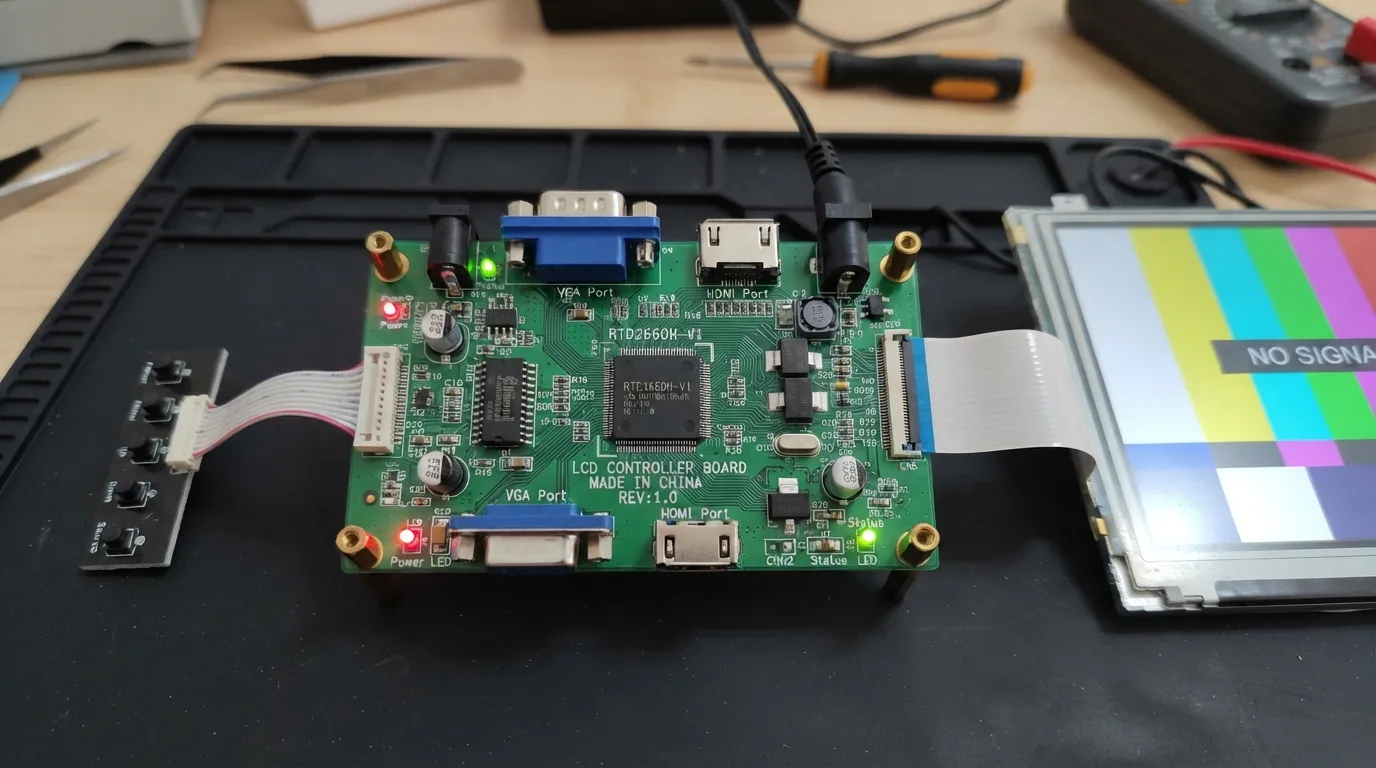
An LCD panel controller board turns a standard video signal into the signal a bare LCD panel can display. The panel itself only understands its native interface, and it cannot scale an image or power its own backlight. The controller board does all three jobs: it accepts the video input, scales the picture to the panel's native resolution, and drives the backlight.
That is why the same panel can become a monitor, a kiosk screen or a machine display, depending on the controller board behind it.
| Part | What it does |
|---|---|
| Main controller IC (scaler) | Decodes the input and scales it to the panel resolution |
| Panel interface connector | Sends LVDS, eDP, TTL/RGB or MIPI signals to the panel |
| Power section | Converts the DC input into the voltages the panel logic needs |
| Backlight driver | Supplies and dims the LED backlight |
| Keypad / OSD connector | Lets the user change brightness, contrast and input |
| Firmware | Holds the timing settings for the specific panel |
The firmware matters as much as the hardware. Two panels with the same size and resolution can still need different timing, so a board is normally programmed for the exact panel model.
Controller boards are usually described by their input and output.
| Board type | Best suited to |
|---|---|
| HDMI to TTL/RGB | Small panels from about 4.3 to 10.1 inch |
| HDMI or VGA to LVDS | Industrial and commercial panels up to Full HD and beyond |
| HDMI to eDP | Thin, high-resolution panels |
| Multi-input (DP + HDMI + VGA + DVI) | Industrial monitors that work with several sources |
| Converter boards | Changing one panel interface to another, such as RGB to LVDS |
If your source is HDMI only, our LCD HDMI driver board guide goes deeper into that one type.
Work through these points in order. The first four come straight from the panel datasheet.
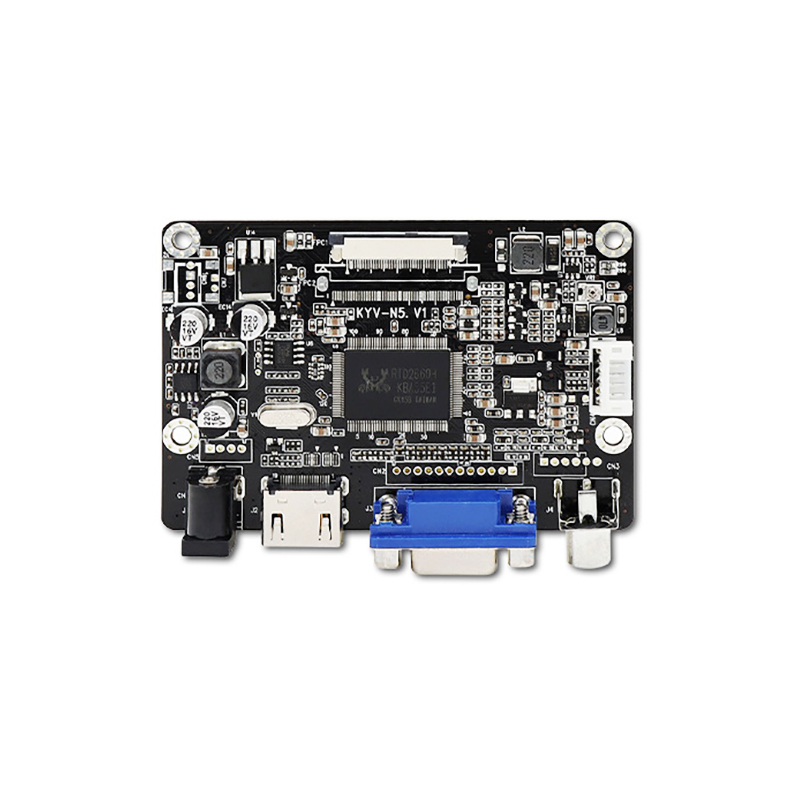
The FaceLCD VGA/HDMI driver board for 40-pin and 50-pin panels is a universal platform for mid-size displays. It supports resolutions from 480×272 up to 1920×1200 with RGB/TTL and LVDS interfaces, works with displays from 6.5 to 10.1 inch, and runs from a 9 V to 12 V DC supply.
| Board | Inputs | Notes |
|---|---|---|
| VGA/HDMI board for 40 and 50 pin panels | VGA, HDMI | RGB/TTL and LVDS, 6.5 to 10.1 inch |
| Industrial monitor driver board | DP, HDMI, VGA, DVI | Up to 1920×1200 |
| Industrial board with USB touch | HDMI, VGA, USB touch | Up to 1920×1200 |
| HDMI + Type-C + VGA board | HDMI, Type-C, VGA | Up to 1920×1080 |
| Wide-temperature HDMI + VGA board | HDMI, VGA | Wide temperature and high voltage, up to 1920×1200 |
| VGA to TTL/RGB board | VGA | TTL/RGB 60 pin |
| RGB 50 pin to LVDS converter | TTL/RGB 50 pin | Converts RGB to LVDS |
| LVDS 40 pin converter board | LVDS | Adapts LVDS 40 pin interface |
The complete range is in our LCD driver board category, including the LVDS driver boards.
In everyday use the two names mean the same thing: the board that drives a bare LCD panel from a video source.
Only if the panels share the same interface, resolution, voltage and pinout. In most cases the firmware also has to be set for the specific panel.
Send the panel model number or datasheet, the video inputs you need, your power supply voltage and whether you need touch.
These symptoms usually point to wrong timing in the firmware, a mismatch in LVDS bit depth or channel mapping, or a poor cable connection.
FaceLCD supplies panels, touch screens and controller boards together, so they can be matched and tested as one set. Contact us with your panel model and input requirements and we will suggest the right board.