
FaceLCD Hong Kong Limited
Tel: +8615818692944
E-mail: sales@facelcd.com
Address: 13F, Buiding B, Colorful Tech Park, Guanlan High tech park, Longhua Dist, Shenzhen,China ZIP code 518100
You are here: Home > Technology >
A drone remote touch panel is the touch screen built into, or attached to, a UAV controller. The pilot uses it to see the live camera feed, read telemetry, set waypoints and change camera settings. It works in conditions that are hard on any display: full sunlight, cold and heat, gloved hands, rain and constant handling. A screen that is hard to read or slow to respond adds directly to the pilot's workload.
That makes four requirements more important here than in most products: sunlight readability, dependable touch, low weight and power, and a wide operating temperature range.
| Requirement | Why it matters in the field | What to specify |
|---|---|---|
| Sunlight readability | The controller is used outdoors, often facing the sun | High brightness, commonly 800 to 1,000 nits or more, with anti-glare or anti-reflective treatment |
| Reliable touch | Pilots wear gloves and operate in rain and spray | Capacitive touch tuned for gloves and water, or resistive touch |
| Low weight | The controller is held for long periods | Thin cover glass and a slim display module |
| Battery life | The screen runs for the whole flight | Efficient backlight with automatic dimming |
| Temperature range | Flights happen in winter and summer | A wide operating range, such as -20°C to 70°C |
| Wide viewing angle | The controller is tilted and shared with an observer | IPS panel |
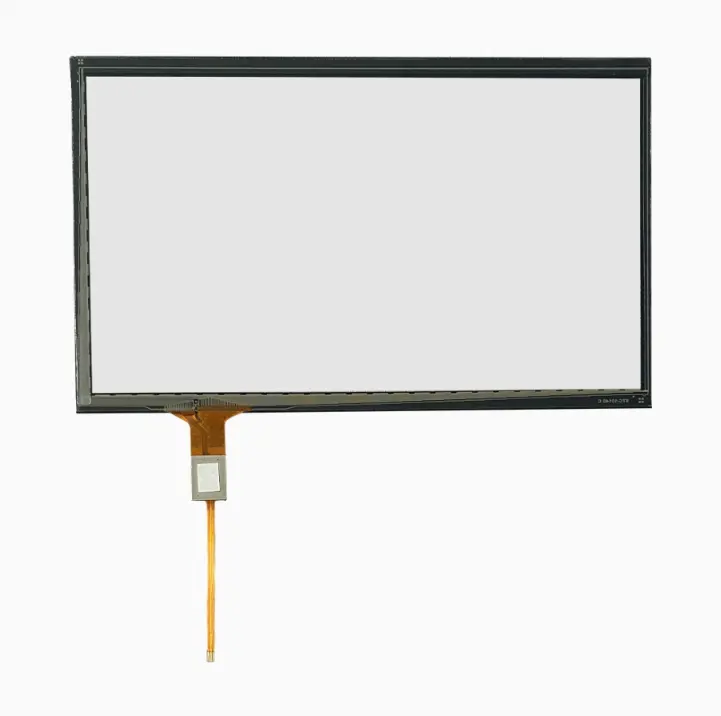
Brightness is the starting point, but it is not the only factor. Reflections from the cover glass can wash out even a bright screen.
A standard capacitive touch panel is tuned for a bare, dry finger. On a drone controller it has to do more.
Many controllers keep physical sticks and buttons for flight control and use the touch screen for settings, maps and camera functions. That division works well, because flight inputs stay usable by feel.
| Screen size | Typical controller | Trade-off |
|---|---|---|
| About 5 to 5.5 inch | Compact consumer and prosumer controllers | Light and efficient, less room for maps |
| About 7 to 8 inch | Professional and enterprise controllers | Good balance of detail and weight |
| About 10.1 inch | Ground stations and mapping or inspection work | Most detail, but heavier and uses more power |
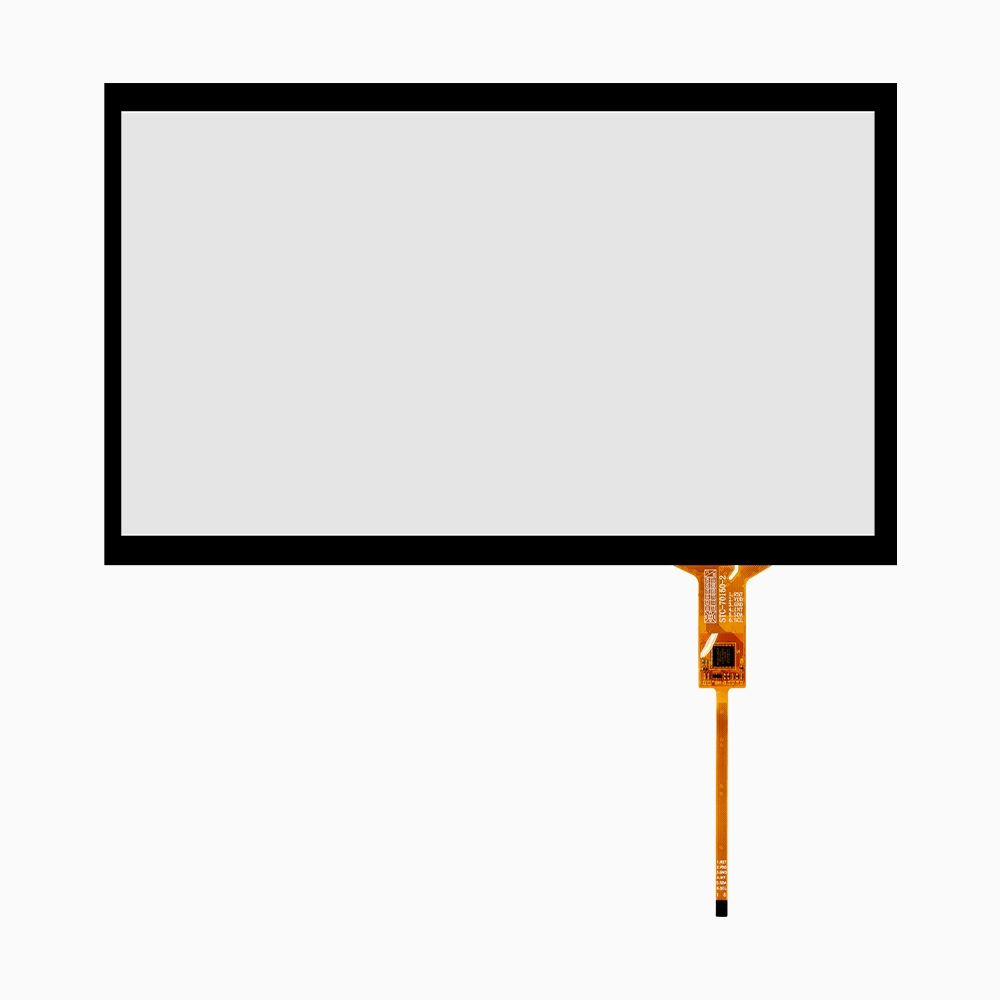
The FaceLCD 10.1 inch capacitive touch screen panel shows the kind of touch hardware suited to controllers and ground stations. It uses a GOODIX GT911 controller, G+G glass construction, I2C communication and 5-point multi-touch, works from -20°C to 70°C, and supports Android-based systems.
| Product | Type | Key points |
|---|---|---|
| 5 inch touch panel | Capacitive, G+G | For Tianma TM050RDH03-41 LCD |
| 7 inch touch panel | Capacitive | For AT070TN92 V.1 LCD |
| 8 inch touch panel | Capacitive, multi-touch, I2C | For industrial, Raspberry Pi and Android devices |
| 10.1 inch touch panel | Capacitive, GT911, I2C | For Android devices |
| 7 inch TFT LCD | IPS, 1024×600 | MIPI interface |
| 8.4 inch industrial LCD | 1024×768, 1,200 nits | LVDS interface |
| 10.1 inch TFT LCD | IPS, 800×1280 | MIPI interface |
See all capacitive touch panels.
For regular outdoor use, 800 to 1,000 nits or more is commonly specified. Bonding and anti-reflective treatment make as much difference as the brightness figure itself.
Yes, when the touch controller is tuned for it. The result depends on glove material and thickness, so test with the gloves pilots actually wear.
It is used where operation with any glove or stylus matters more than multi-touch, especially on industrial ground stations.
Android-based controllers usually use MIPI DSI for the display and I2C for the touch controller.
FaceLCD supplies touch panels, TFT LCDs and bonded touch display assemblies, with customization of cover glass, brightness and touch tuning. Contact us with your controller size and operating conditions.