
FaceLCD Hong Kong Limited
Tel: +8615818692944
E-mail: sales@facelcd.com
Address: 13F, Buiding B, Colorful Tech Park, Guanlan High tech park, Longhua Dist, Shenzhen,China ZIP code 518100
You are here: Home > Technology >
An LCD display for a smart home device is the part of the product the user sees and touches every day. In a thermostat, a wall control panel or a kitchen appliance, the screen has to look good in a living space, respond instantly to touch and run for years with very little power. The right choice depends mostly on three things: where the device is mounted, how much information it shows and how it is powered.
This guide matches display types to common smart home and smart appliance products and lists FaceLCD modules for each size range.
| Device | Typical display | Why |
|---|---|---|
| Thermostat, room controller | 2 to 4 inch, square or round | Small wall footprint, simple information |
| Wall-mounted control panel | 4 to 10.1 inch touch screen | Scenes, lighting and security on one screen |
| Video doorbell, intercom | 4.3 to 7 inch | Live video needs color and reasonable resolution |
| Kitchen and laundry appliances | 2.86 to 7 inch, often bar format | Fits a narrow fascia, shows programs and time |
| Smart speaker with screen | 5 to 10.1 inch IPS | Viewed from across the room and from the side |
| Appliance door or shelf display | Bar-type LCD | Long, narrow space for a strip of information |
For more smart home display options, see our smart home application page.
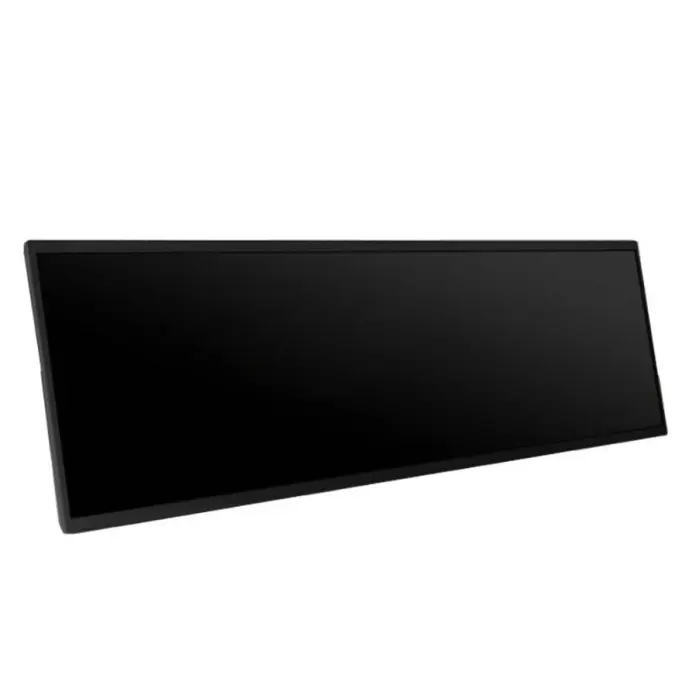
Appliances add conditions that a wall panel does not face. A screen in an oven door, a washing machine or a refrigerator has to tolerate heat, humidity and steam, and it often sits behind a thick glass or plastic window. Three points deserve attention:
| Interface | Suits | Notes |
|---|---|---|
| SPI | Small, simple screens | Few pins, easy on low-cost microcontrollers |
| MCU (parallel) | Small screens needing faster refresh | More pins than SPI |
| RGB | Mid-size color screens | Continuous refresh from the processor |
| MIPI DSI | High-resolution panels on application processors | Few lanes, high data rate |
| LVDS | Larger panels and bar displays | Stable over longer cables |
Further reading: SPI LCD displays, RGB interface displays and MIPI LCD displays.
Bar displays show how an unusual format can change a product. The FaceLCD 29 inch bar type LCD display uses the BOE DV290FBM-N10 panel with 1920×540 resolution, 700 nits brightness, an LVDS interface and 89/89/89/89 viewing angles. Its long, narrow shape fits spaces where a normal screen would not, such as above an appliance or along a shelf.
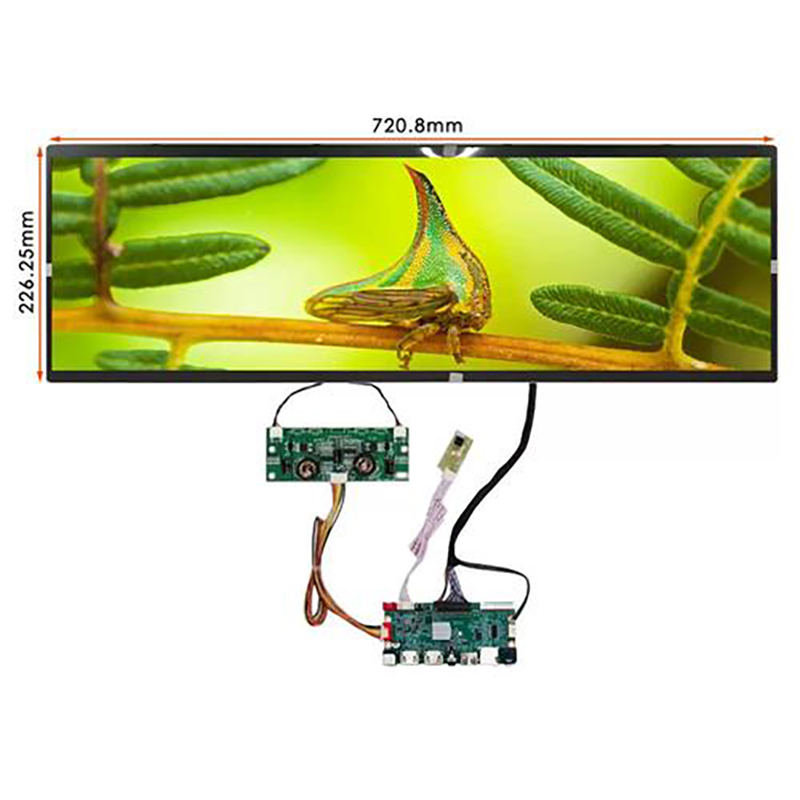
| Display | Resolution | Panel | Interface |
|---|---|---|---|
| 2.1 inch round LCD | 480×480 | IPS | RGB or MIPI |
| 2.86 inch bar LCD | 376×960 | IPS | SPI + RGB |
| 3.95 inch square LCD | 720×720 | IPS | See product page |
| 5 inch square LCD | 720×720 | In-cell | MIPI |
| 7 inch TFT LCD | 1024×600 | IPS | MIPI |
| 8.8 inch bar LCD | 480×1920 | IPS | MIPI |
| 10.1 inch TFT LCD | 800×1280 | IPS | MIPI |
More bar formats are listed in our bar LCD display category.
Wall panels commonly use 4 to 10.1 inch touch screens. A 4 inch panel replaces a light switch neatly, while 7 to 10.1 inch panels suit whole-home control.
In most cases, yes. Wall-mounted and countertop devices are viewed from many angles, and IPS keeps color and contrast consistent.
Yes. Cover glass shape, printing, color and logo can be customized, and round, square and bar LCD formats are available as standard modules.
Choose a panel rated for the temperature near the mounting position, with enough brightness to be read through the appliance window. Bar formats usually fit the control area best.
FaceLCD supplies TFT LCDs, bar displays, touch panels and driver boards, with customization for size, shape and cover glass. Contact us with your device type and space available and we will suggest suitable modules.