
FaceLCD Hong Kong Limited
Tel: +8615818692944
E-mail: sales@facelcd.com
Address: 13F, Buiding B, Colorful Tech Park, Guanlan High tech park, Longhua Dist, Shenzhen,China ZIP code 518100
You are here: Home > Technology >
An LCD display for factory automation is the screen an operator uses to watch and control a machine or a production line. It has to stay readable under harsh lighting, survive heat, dust and vibration, and keep working for years without a change of model. That makes the selection different from choosing an office monitor: reliability and long-term supply matter more than the highest resolution.
This guide covers where displays are used on the factory floor, the specifications that matter, and FaceLCD panels that fit common automation sizes.
| Location | Typical screen | What the screen has to do |
|---|---|---|
| Machine operator panel (HMI) | 7 to 15 inch touch display | Show status, alarms and controls at the machine |
| Control cabinet | 5.7 to 12.1 inch panel | Fit a cutout and run continuously in a warm enclosure |
| Production line status board | 15 inch and larger | Be read from several meters away |
| Handheld terminal or pendant | 3.5 to 7 inch | Be light, tough and readable at arm's length |
| Test and inspection station | 10.1 to 15.6 inch | Show measurement data and images clearly |
For a broader look at industrial screens, see our guide to choosing an industrial LCD display and our industrial control application page.
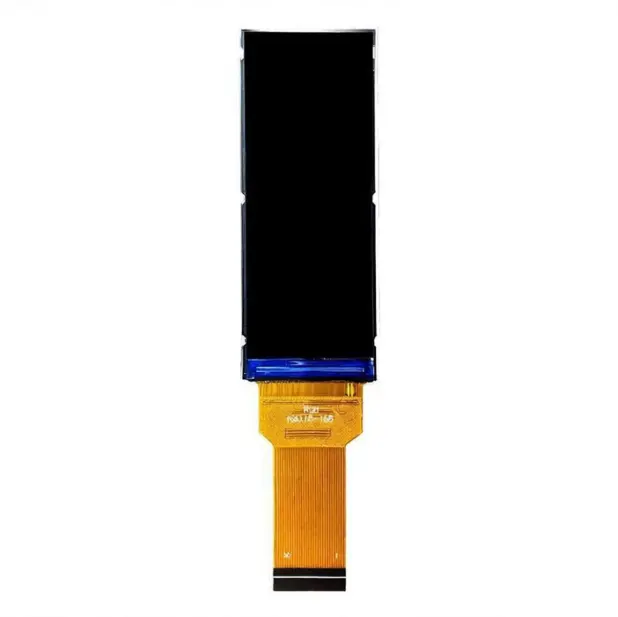
HMI screens show buttons, numbers and simple graphics, so moderate resolutions are normal. Common choices are:
| Resolution | Name | Typical size |
|---|---|---|
| 800×480 | WVGA | 5 to 7 inch |
| 1024×600 | WSVGA | 7 to 10.1 inch |
| 1024×768 | XGA | 8.4 to 15 inch |
| 1280×720 | HD | 9 to 10.1 inch |
| 1280×800 | WXGA | 8 to 10.1 inch |
The 4:3 XGA format remains popular in automation because much existing HMI software and many cabinet cutouts were designed around it.
| Brightness | Where it works |
|---|---|
| About 300 to 500 nits | Indoor machines under normal lighting |
| About 600 to 800 nits | Bright halls and screens near windows |
| 1,000 nits and above | Semi-outdoor and outdoor equipment |
Higher brightness adds heat and power draw, so choose the level the location really needs. Our article on high brightness LCD displays explains the trade-offs.
Resistive touch works with any glove and is not affected by water droplets, which is why it is still common on machines. Projected capacitive touch gives a hard glass front that is easy to clean and supports multi-touch, and it can be tuned for gloves. Electrical noise from motors and drives can disturb touch sensing, so the design should account for it. See reducing EMI in industrial touch panels.
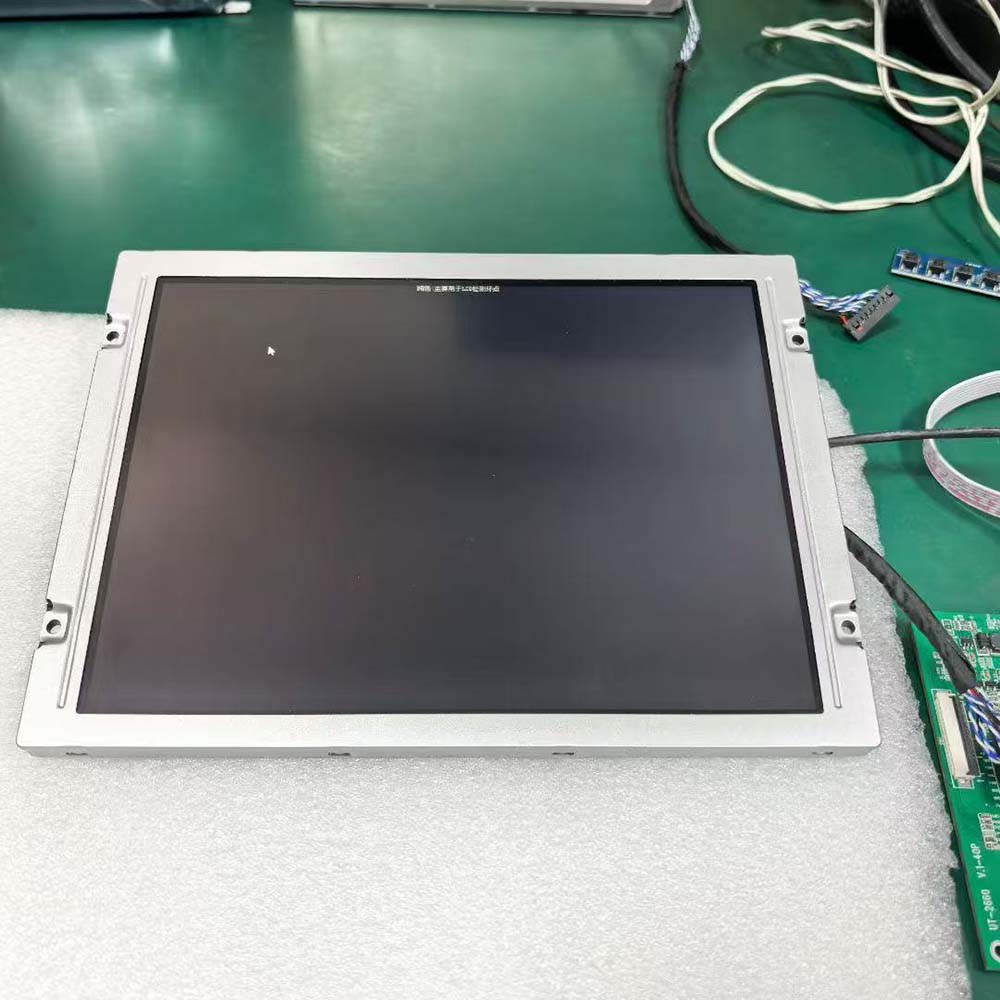
The FaceLCD 8.4 inch industrial LCD display (model FB084LXV122-A) is a typical automation panel: a 4:3 XGA screen with an LVDS interface and 1,200 nits brightness for bright environments.
| Display | Resolution | Panel | Interface |
|---|---|---|---|
| 7 inch TFT LCD | 1024×600 | IPS | LVDS |
| 8.4 inch industrial LCD | 1024×768 | TFT, 1,200 nits | LVDS |
| 10.4 inch TFT LCD | 1024×768 | IPS | LVDS |
| 12.1 inch TFT LCD | 1024×768 | IPS | LVDS |
| 15 inch TFT LCD | 1024×768 | IPS | LVDS |
| 10.4 inch open frame touch monitor | 1024×768 | IPS, capacitive 10-point touch | Monitor with driver board |
FaceLCD also supplies original industrial modules from Innolux, BOE, AUO and Tianma, which is useful when a machine needs an exact replacement panel.
Most machine HMIs use screens from 7 to 15 inches. Smaller screens suit simple machines and cabinets, and larger ones suit lines where the operator needs an overview.
Usually not. Consumer panels have a narrower temperature range and are replaced by new models quickly, which makes long-term service difficult.
LVDS is the most widely used for mid-size industrial panels. Small panels often use RGB, and newer high-resolution panels use eDP or MIPI.
Yes. Brightness, touch panel, cover glass, cable and driver board can be adapted to the machine.
FaceLCD has supplied TFT LCDs, touch panels and driver boards for industrial equipment since 2009. Contact us with the size, resolution and environment of your machine and we will recommend a suitable display.